1
ManageEngine Support Center Plus :: Administrator Guide
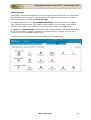
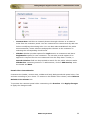
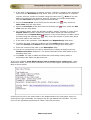
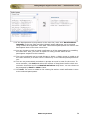
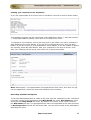
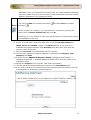
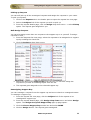
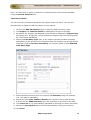
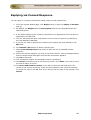
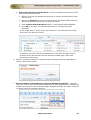
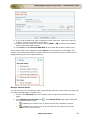
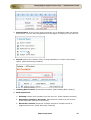
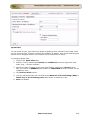
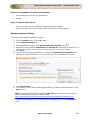
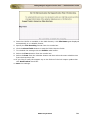
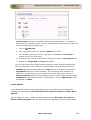
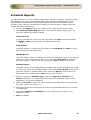
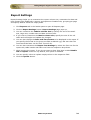
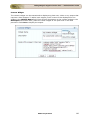
4. Once the CSV file is available in the CSV directory. CSV File Name gets displayed
automatically in un-editable format.
5. Specify the File Encoding format from the combo box.
6. Click the Show Fields button to map the fields. Map the fields.
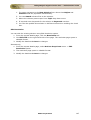
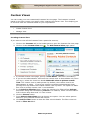
7. To schedule the settings click the Enable radio button.
8. Select the Time duration from the combo box.
9. Select the Date from the calender button and also select the start schedule time
from the drop down list.
10. If you like to notify the support rep on the failure of the CSV import update then
click Notification check box.
11. Save the settings.
ZOHO Corporation
260