1
ManageEngine Support Center Plus :: Administrator Guide
Editing and Deleting Contracts
ManageEngine SupportCenter Plus provides you with the option to modify and delete the
existing contracts provided you have the corresponding access permission.
Note If a request raised is resolved based on a particular contract then that contract
cannot be deleted.
Edit Contracts
You can edit contracts either from the list view or from the contracts details page. To
edit contracts from the list view,
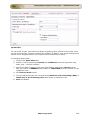
1. Click on the Contracts tab in the header pane to open the contract list view
page.
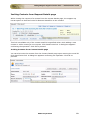
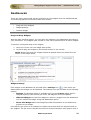
beside the contract you wish to edit. The Edit Contract
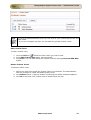
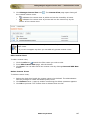
2. Select the Edit icon
form opens with values populated while adding the contract.
3. Edit the contract details and Update the changes.
To edit contracts from the contract details page,
1. Click on the Contracts tab in the header pane to open the contract list view
page.
2. Click on the Contract Name to be edited.
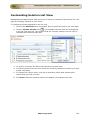
3. From the contract details page, click the Edit button. The Edit Contract form
opens with values populated while adding the contract.
4. Edit the contract details and Update the changes.
Delete Contracts
1. Click on the Contracts tab in the header pane to open the contract list view
page.
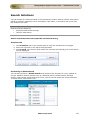
2. Enable the check box beside the Contracts Name to be deleted.
3. Click on Delete.
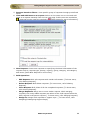
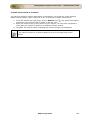
4. A pop up window confirming the delete operation appears. Click Yes to proceed.
The contracts is deleted from the list.
ZOHO Corporation
162