1
ManageEngine Support Center Plus :: Administrator Guide
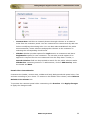
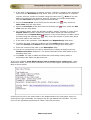
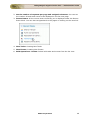
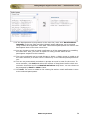
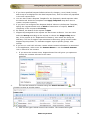
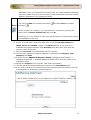
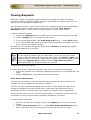
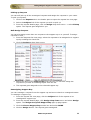
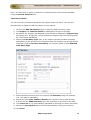
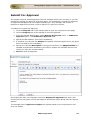
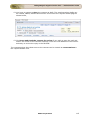
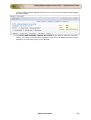
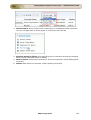
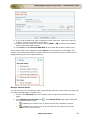
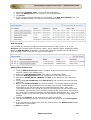
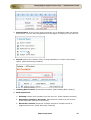
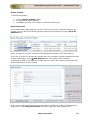
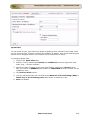
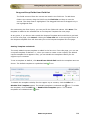
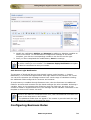
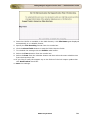
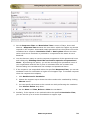
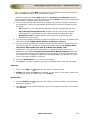
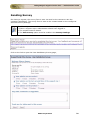
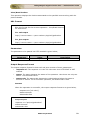
1. The page navigates to the New Solution form where the Subject and
Content fields are populated automatically.
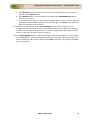
2. You can Attach relevant files to the solution.
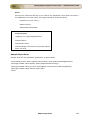
3. Select the relevant parent topic from Topic drop down menu.
4. If required enter keywords for the solution in Keywords text box.
5. You can also publish this solution in Self-Service Portal on enabling the check
box.
Edit Resolution
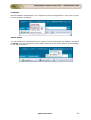
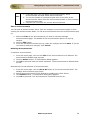
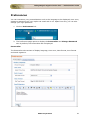
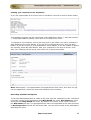
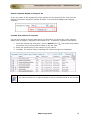
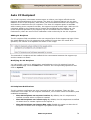
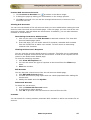
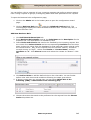
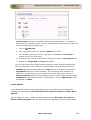
You can edit the existing solution using Edit Resolution option.
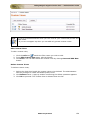
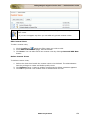
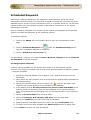
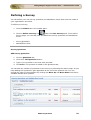
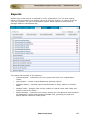
1. From the request details page, click the Resolution tab.
2. Click Edit link on the right hand side of the page. The resolution page opens in
editable format.
3. Modify the details and Save the changes.
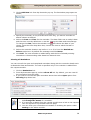
Alternatively,
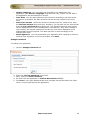
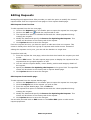
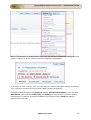
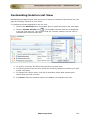
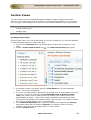
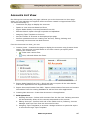
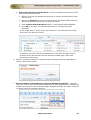
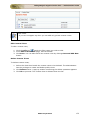
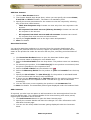
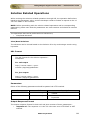
1. From the request details page, select Actions drop down menu -> Edit
Resolution option.
2. The resolution page opens in editable format.
3. Modify the details and Save the changes.
ZOHO Corporation
107