1
ManageEngine Support Center Plus :: Administrator Guide
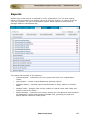
Contacts List View
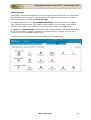
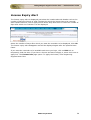
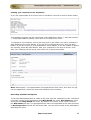
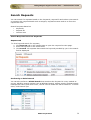
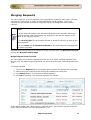
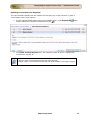
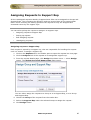
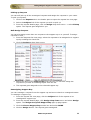
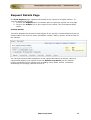
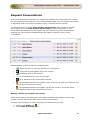
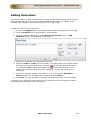
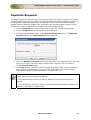
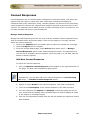
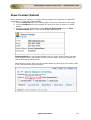
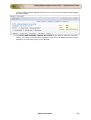
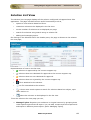
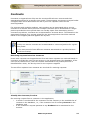
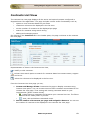
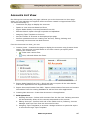
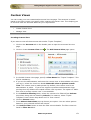
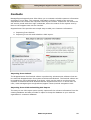
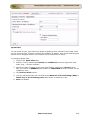
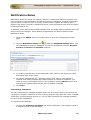
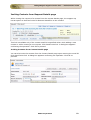
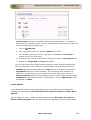
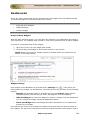
On clicking the Contacts tab, the page redirects you to the Contacts List View page
where you can maintain and organize all the Contacts created in SupportCenter Plus.
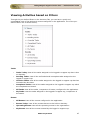
You have the facility to,
Customize the page to display the contacts
Option to view contacts based on filters
Import Accounts/Contacts from CSV
Effective Search option through keywords and alphabets.
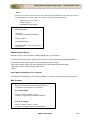
Set the number of contacts to be displayed per page
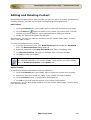
Perform operations such as creating new contact, editing and deleting contacts.
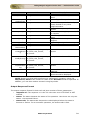
From the Contacts List View, you can:
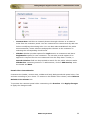
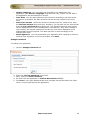
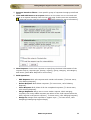
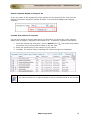
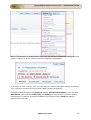
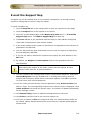
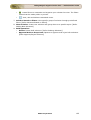
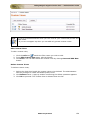
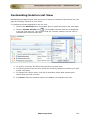
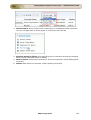
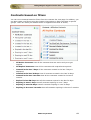
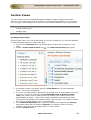
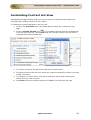
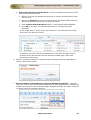
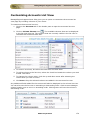
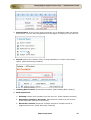
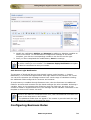
1. Views: Customize the page to display the Contacts using Custom Views option.
The Contacts is sorted based on the filter criteria you specify while creating the
custom view.
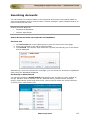
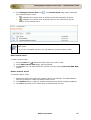
- create new custom filter.
- view, edit and delete the filters.
.
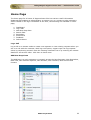
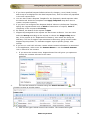
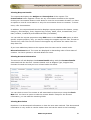
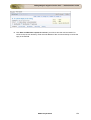
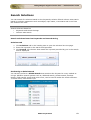
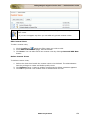
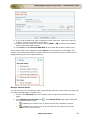
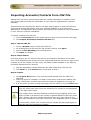
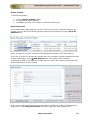
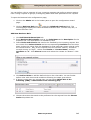
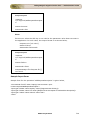
2. Import Accounts/Contact from CSV: Import relevant data of account and
contact information from the existing database as well as from other applications.
[Refer Importing Accounts/Contacts from CSV]
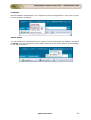
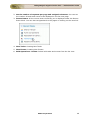
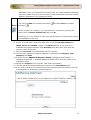
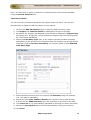
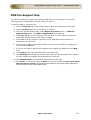
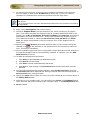
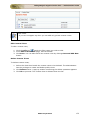
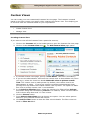
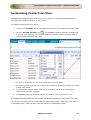
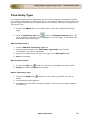
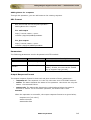
3. Set the number of Contacts per page and navigation buttons: View the
entire list of contacts configured in SupportCenter Plus application by settings the
number of Contacts to be viewed per page. Navigate through the pages using the
next and previous navigation buttons.
ZOHO Corporation
192