1
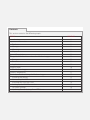
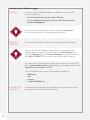
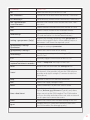
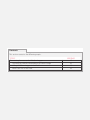
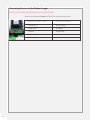
GETTING STARTED To get the Modem Logger started, follow the steps outlined below;
STEP
ACTION
1
Connect the battery (3.6V DC).
2
Connect the USB interface to a PC.
3
A green LED will start blinking at regular intervals; 3 seconds off,
1 second on.
4
Follow the prompts, selecting the option to locate the driver manually
on your PC.
5
Browse to the SD Card and select the file ‘TinySenseV2.inf’.
‘VIRTUAL
COMPORT’
The Modem Logger can be mounted as a ‘Virtual COMport’ when
connecting to a PC via the USB cable. This allows direct interfacing to
the device using a common terminal program, such as ‘HyperTerminal’
or ‘Termite’.
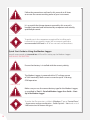
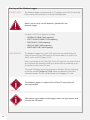
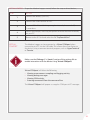
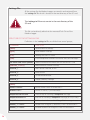
Make sure that ‘Debug=1’ in ‘[main]’ section of the settings file to
enable interaction with the device using ‘Virtual COMport’.
IMPORTANT
INFORMATION
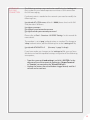
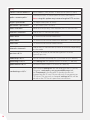
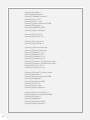
‘Virtual COMport’ will allow the following;
• Viewing measurement sampling and logging activity
• Viewing debug messages
• Viewing GSM activity
• Entering commands from the command line
The ‘Virtual COMport’ will appear as a regular COM port in PC manager.
21