1
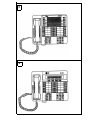
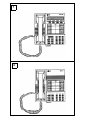
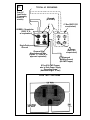
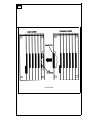
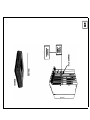
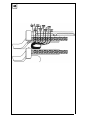
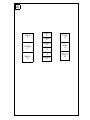
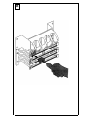
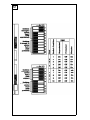
System Programming Console Overlay
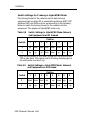
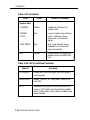
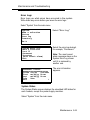
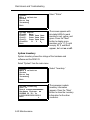
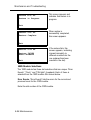
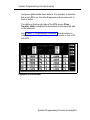
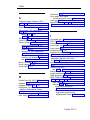
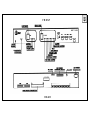
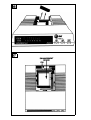
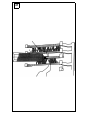
and green lights beside these buttons. For example, to simulate
that a red LED is on, the letter R appears on the screen next to
the line button.
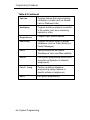
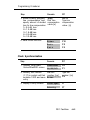
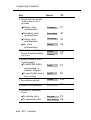
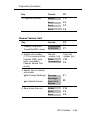
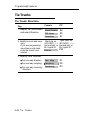
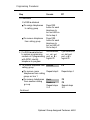
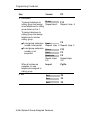
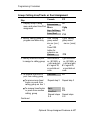
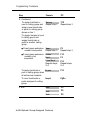
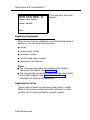
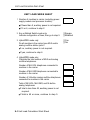
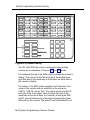
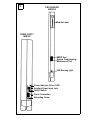
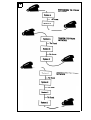
The labels on the top right side of the SPM screen (Drop,
Transfer, Hold) correspond to the buttons on the lower left side
of the telephone.
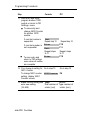
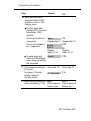
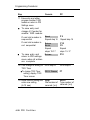
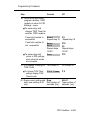
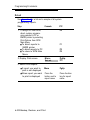
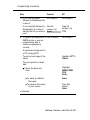
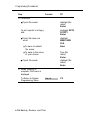
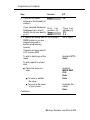
See Chapter 4 “Programming Procedures” for instructions on
programming from a system programming console or from a PC
with SPM.
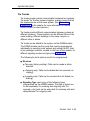
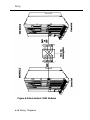
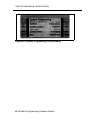
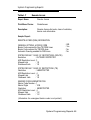
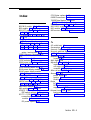
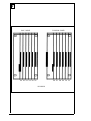
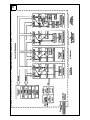
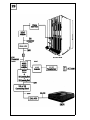
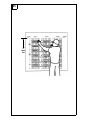
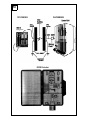
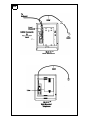
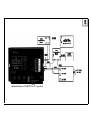
Figure H-2 SPM Screen
System Programming Console Overlay H-3