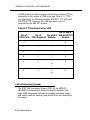
1
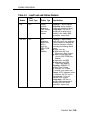
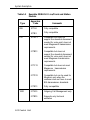
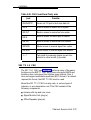
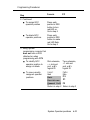
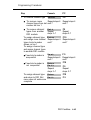
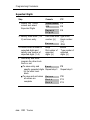
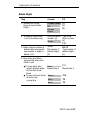
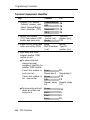
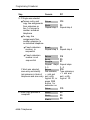
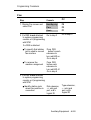
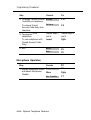
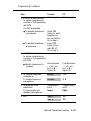
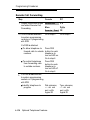
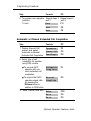
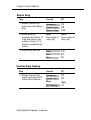
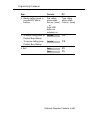
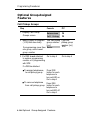
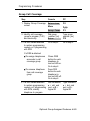
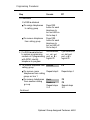
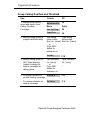
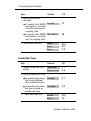
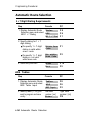
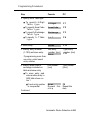
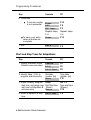
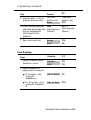
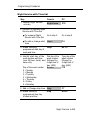
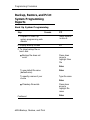
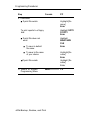
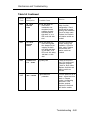
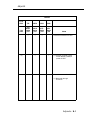
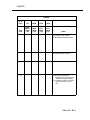
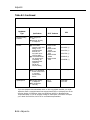
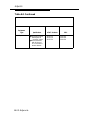
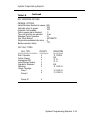
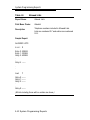
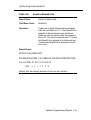
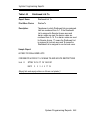
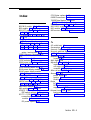
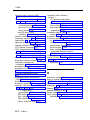
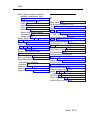
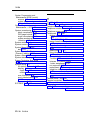
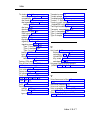
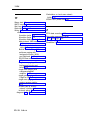
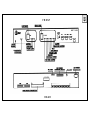
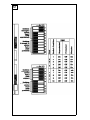
Programming Procedures
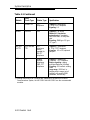
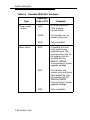
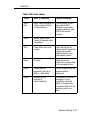
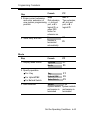
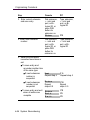
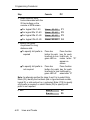
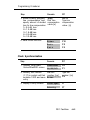
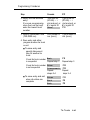
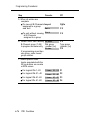
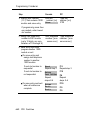
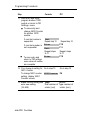
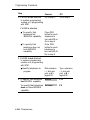
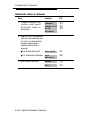
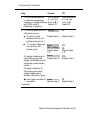
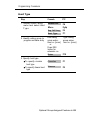
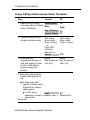
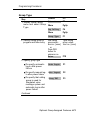
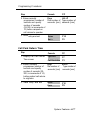
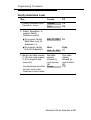
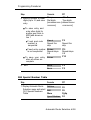
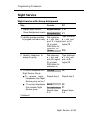
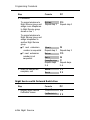
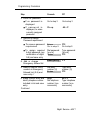
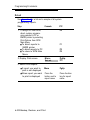
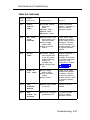
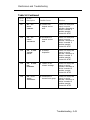
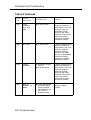
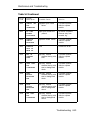
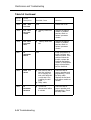
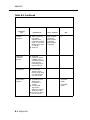
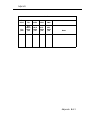
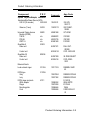
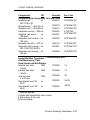
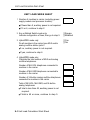
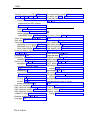
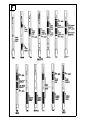
Step
Console
PC
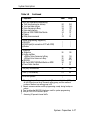
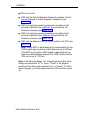
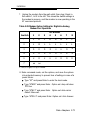
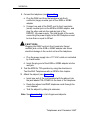
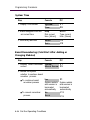
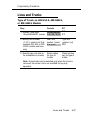
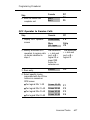
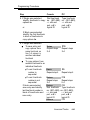
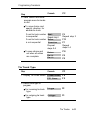
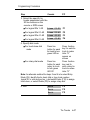
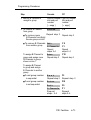
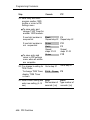
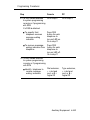
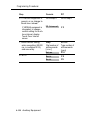
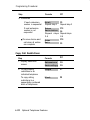
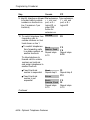
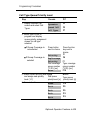
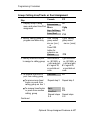
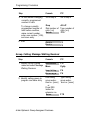
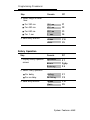
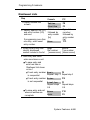
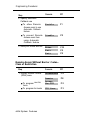
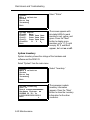
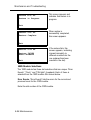
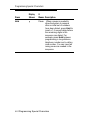
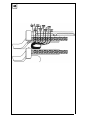
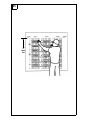
4. If a DSS is not attached
Dial extension,
✱ + slot and
to system programming
console or if programming port, or # +
with SPM, identify
logical ID
telephone to program
Type extension,
✱ + slot and
port, or # +
logical ID
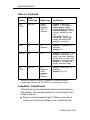
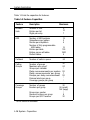
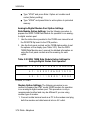
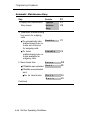
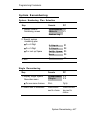
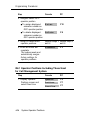
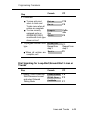
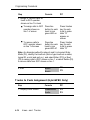
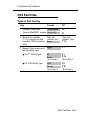
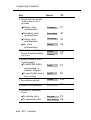
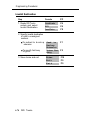
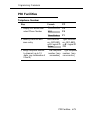
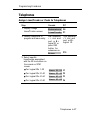
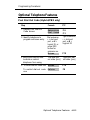
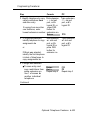
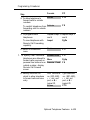
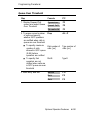
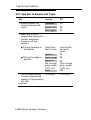
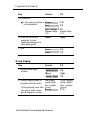
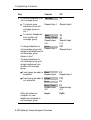
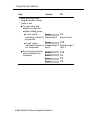
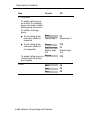
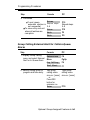
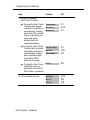
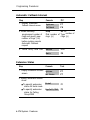
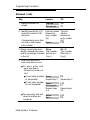
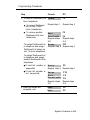
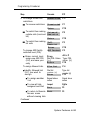
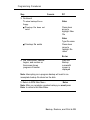
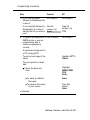
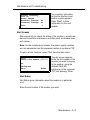
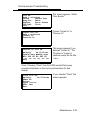
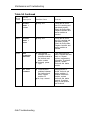
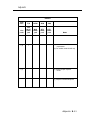
5. To remove telephone from
call pickup group
Delete
F8
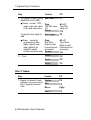
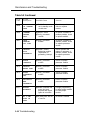
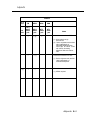
■
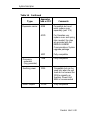
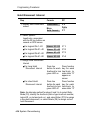
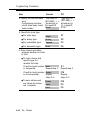
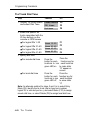
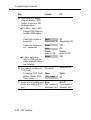
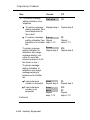
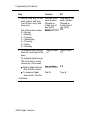
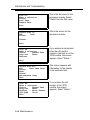
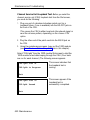
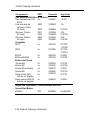
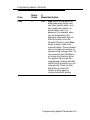
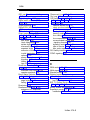
To remove more
telephones from call
pickup group on line 1
Repeat step 4
Repeat step 4
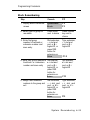
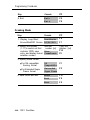
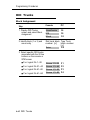
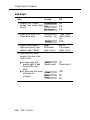
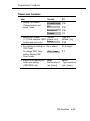
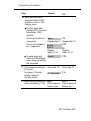
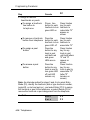
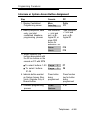
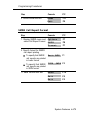
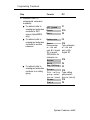
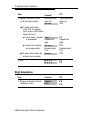
■
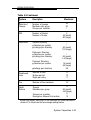
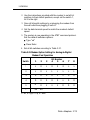
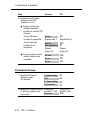
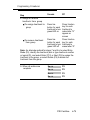
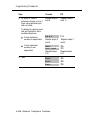
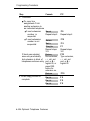
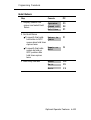
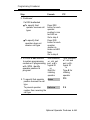
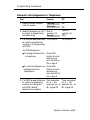
To remove telephones
from another call
pickup group
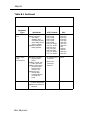
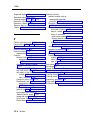
Exit
Call Pickup
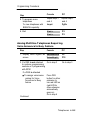
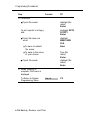
Repeat steps
2-5
F5
F9
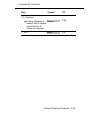
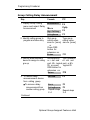
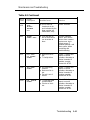
Repeat steps
2-5
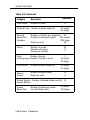
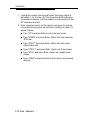
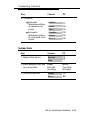
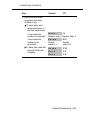
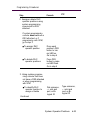
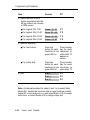
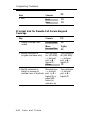
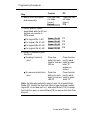
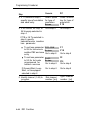
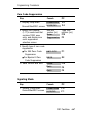
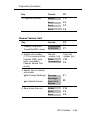
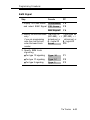
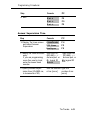
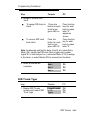
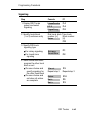
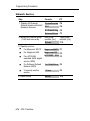
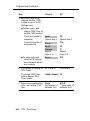
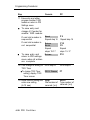
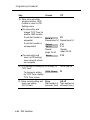
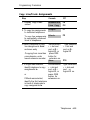
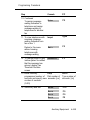
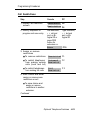
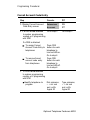
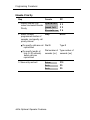
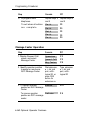
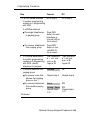
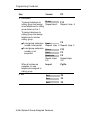
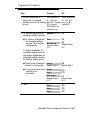
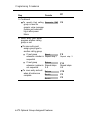
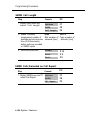
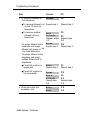
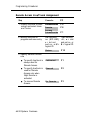
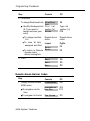
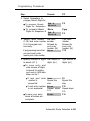
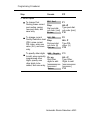
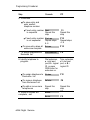
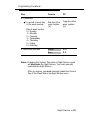
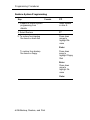
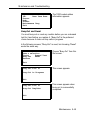
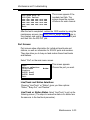
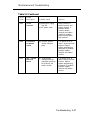
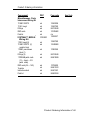
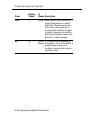
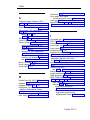
To assign telephone to Enter
Repeat step 4
call pickup group and
assign more telephones to
call pickup group shown
on line 1
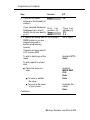
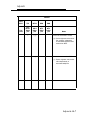
F1O
Repeat step 4
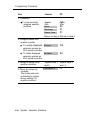
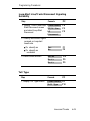
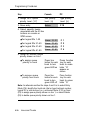
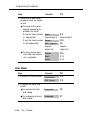
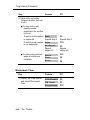
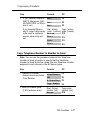
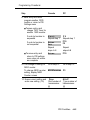
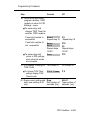
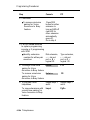
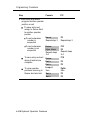
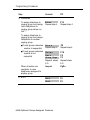
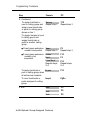
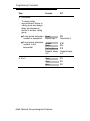
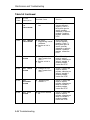
To assign telephone to
call pickup group and
assign telephones to
another call pickup group
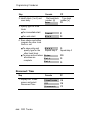
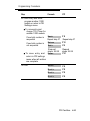
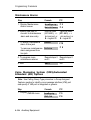
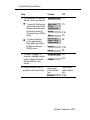
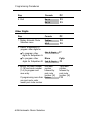
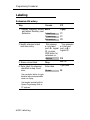
■ If
next group number is Next
sequential
Repeat step 4
F9
Repeat step 4
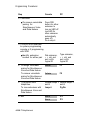
Continued
Optional Group-Assigned Features 4-147