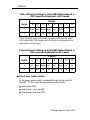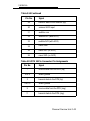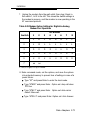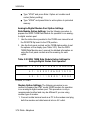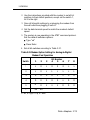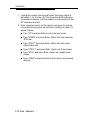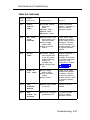
1
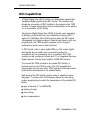
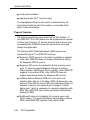
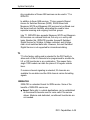
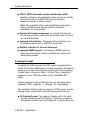
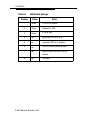
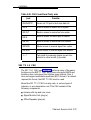
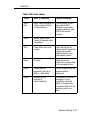
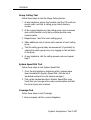
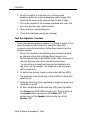
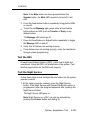
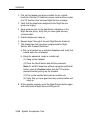
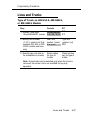
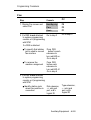
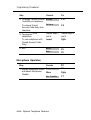
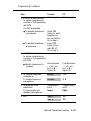
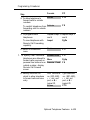
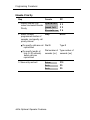
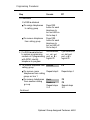
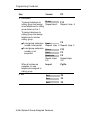
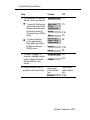
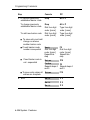
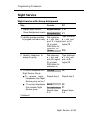
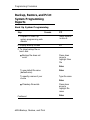
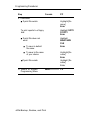
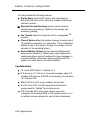
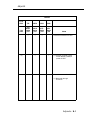
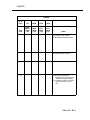
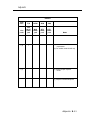
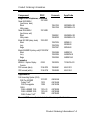
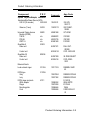
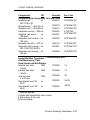
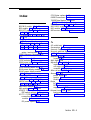
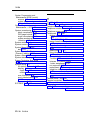
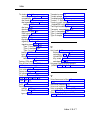
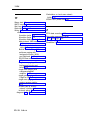
Programming Procedures
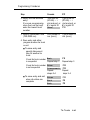
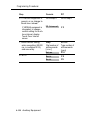
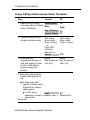
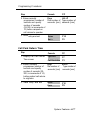
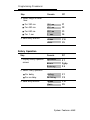
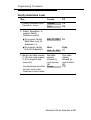
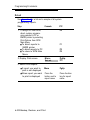
Step
Console
PC
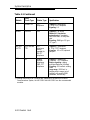
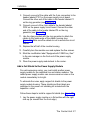
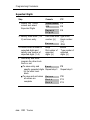
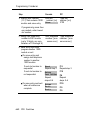
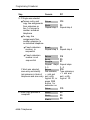
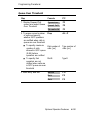
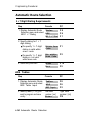
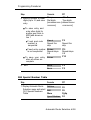
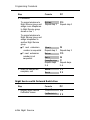
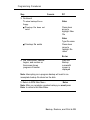
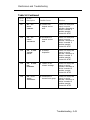
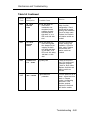
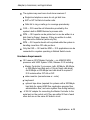
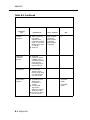
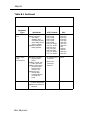
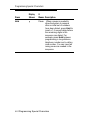
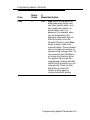
2. Continued
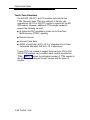
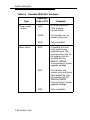
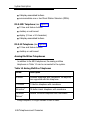
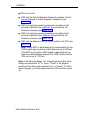
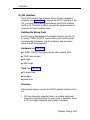
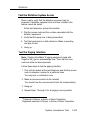
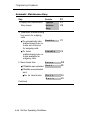
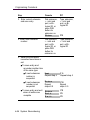
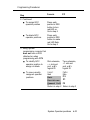
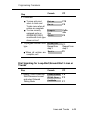
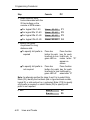
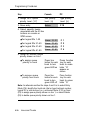
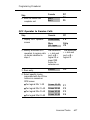
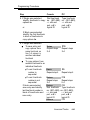
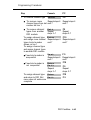
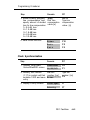
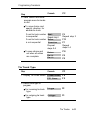
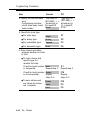
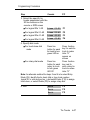
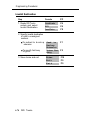
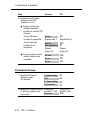
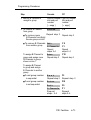
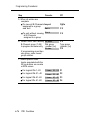
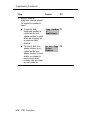
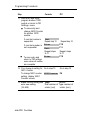
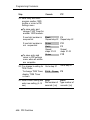
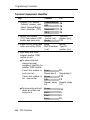
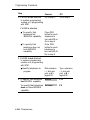
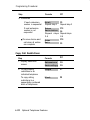
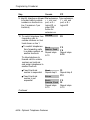
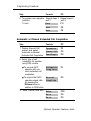
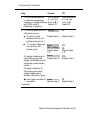
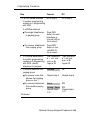
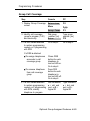
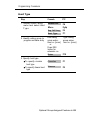
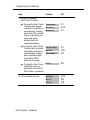
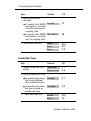
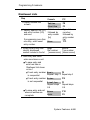
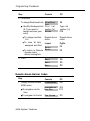
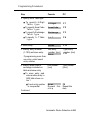
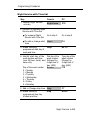
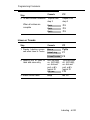
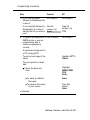
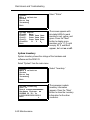
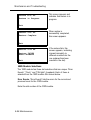
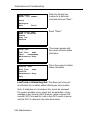
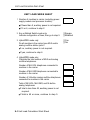
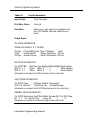
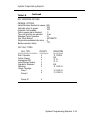
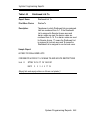
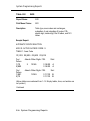
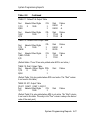
To assign Disallowed Lists Disallow
Lst
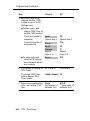
■ Identify Disallowed List D i a l l i s t
(0-7) you want to
number: [n]
Enter
assign and save your
entry
F6
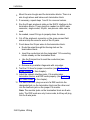
Type list
number: [n]
F10
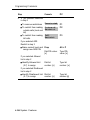
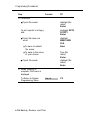
■
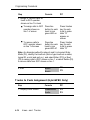
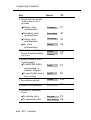
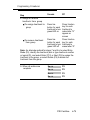
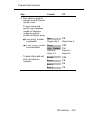
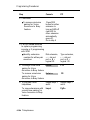
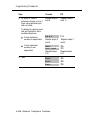
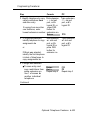
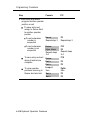
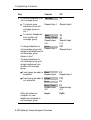
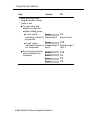
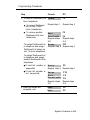
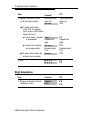
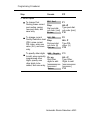
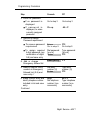
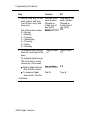
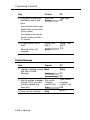
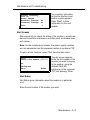
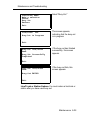
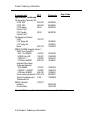
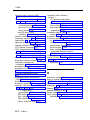
To assign another
list
Repeat above
action
Repeat above
action
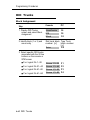
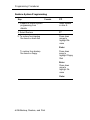
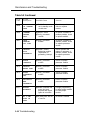
■
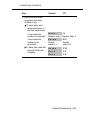
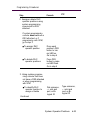
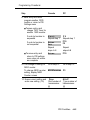
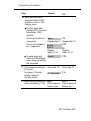
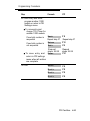
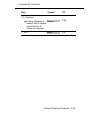
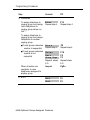
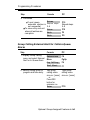
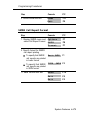
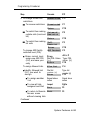
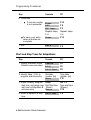
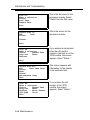
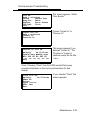
To view all lists
assigned and Exit
Inspct
PgDn
Exit
Exit
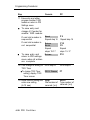
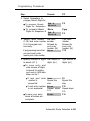
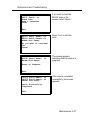
■ To return to Remote
Access menu
without viewing lists
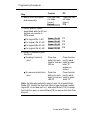
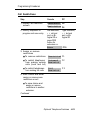
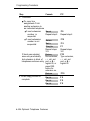
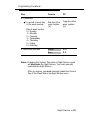
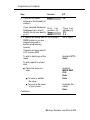
3. Exit
F5
F5
Exit
F5
Exit
F5
Exit
F5
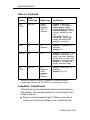
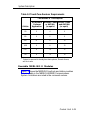
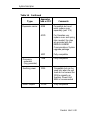
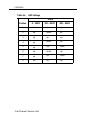
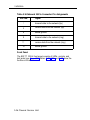
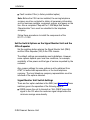
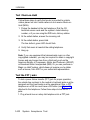
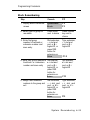
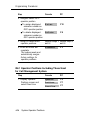
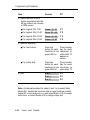
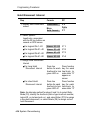
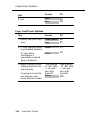
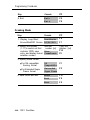
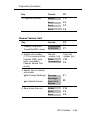
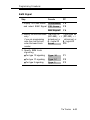
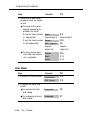
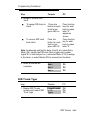
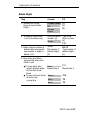
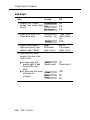
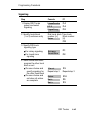
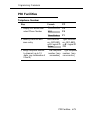
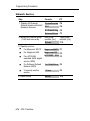
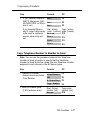
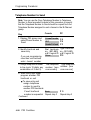
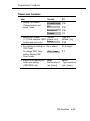
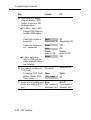
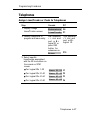
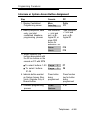
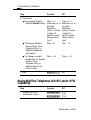
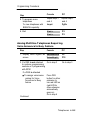
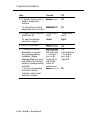
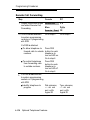
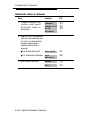
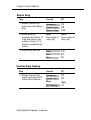
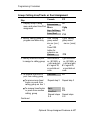
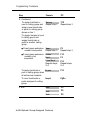
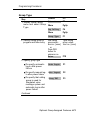
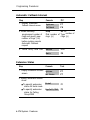
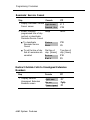
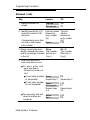
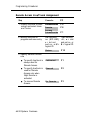
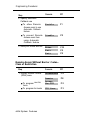
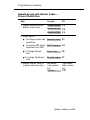
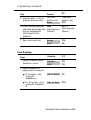
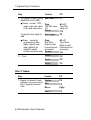
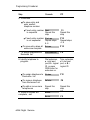
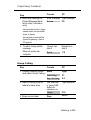
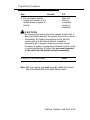
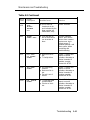
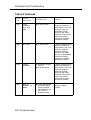
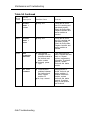
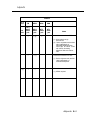
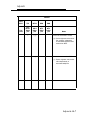
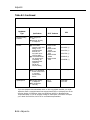
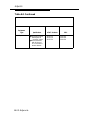
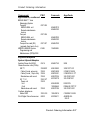
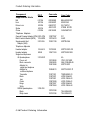
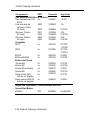
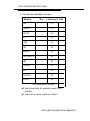
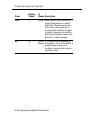
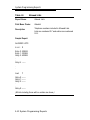
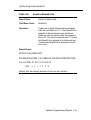
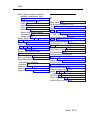
Remote Access Barrier Codes
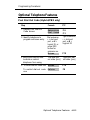
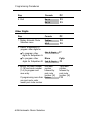
Step
Console
PC
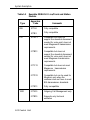
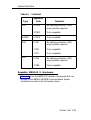
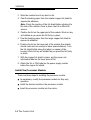
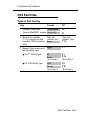
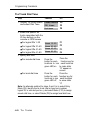
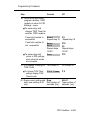
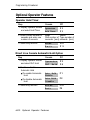
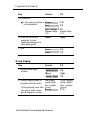
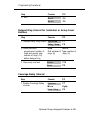
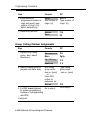
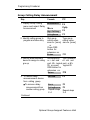
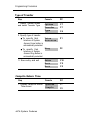
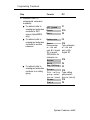
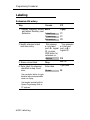
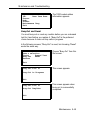
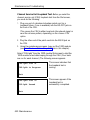
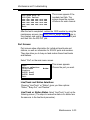
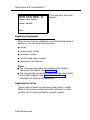
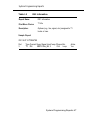
1. Display Remote Access
(DISA) menu
LinesTrunks
F4
RemoteAccss
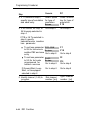
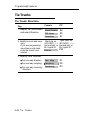
Non-Tie
F8
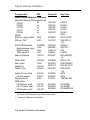
F2
Tie Lines
F3
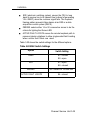
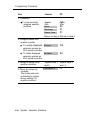
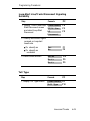
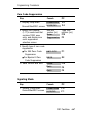
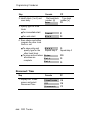
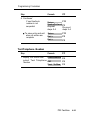
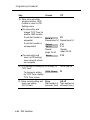
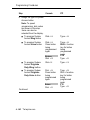
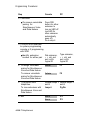
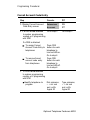
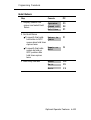
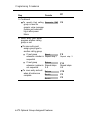
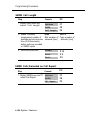
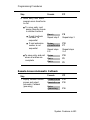
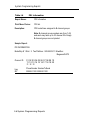
■ To
program non-tie
lines
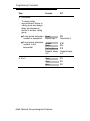
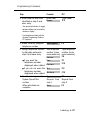
■ To
program tie trunks
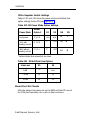
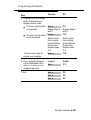
4-196 System Features