1
Maintenance and Troubleshooting
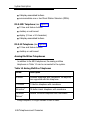
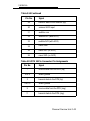
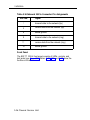
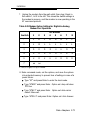
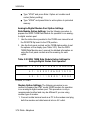
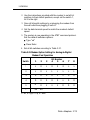
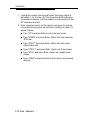
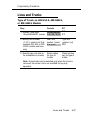
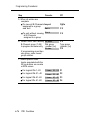
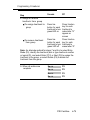
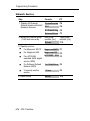
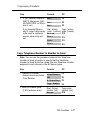
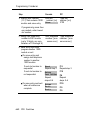
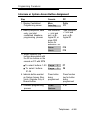
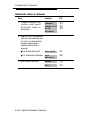
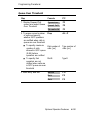
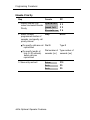
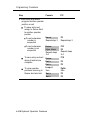
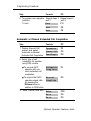
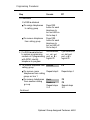
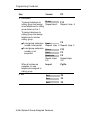
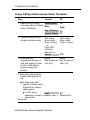
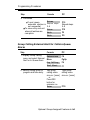
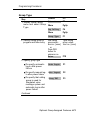
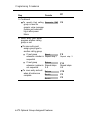
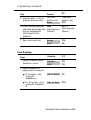
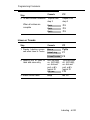
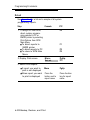
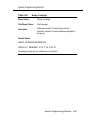
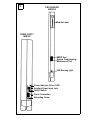
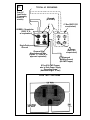
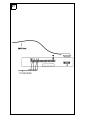
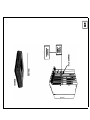
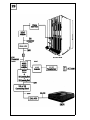
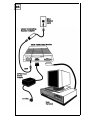
MLX Telephones with Multi-Function Modules (MFMs) in
the T/R Mode Test. To run this test, you must connect a singleIine telephone to the MFM.
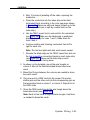
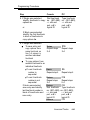
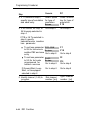
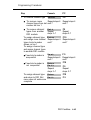
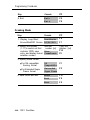
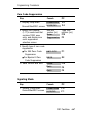
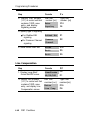
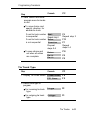
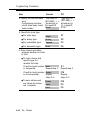
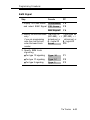
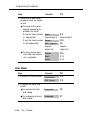
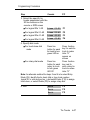
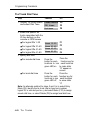
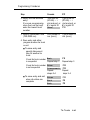
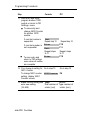
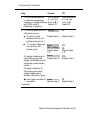
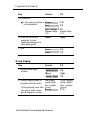
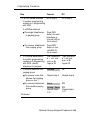
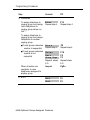
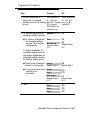
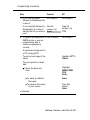
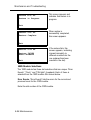
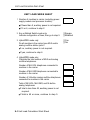
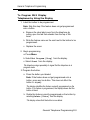
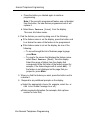
Follow these steps to test a telephone with an MFM:
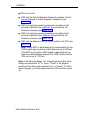
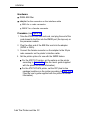
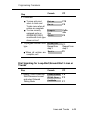
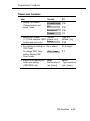
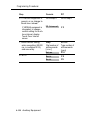
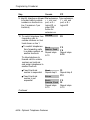
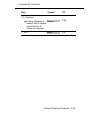
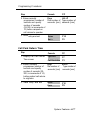
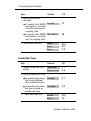
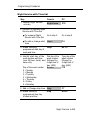
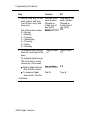
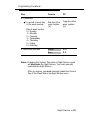
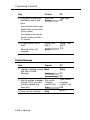
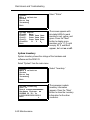
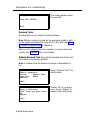
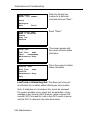
1. At the system access or intercom dial tone, dial the feature
code ∗09 to activate the test.
The diagnostic test tone connects to the B channel.
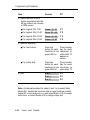
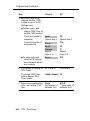
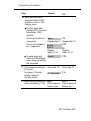
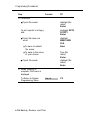
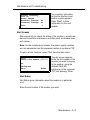
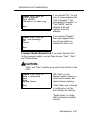
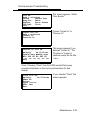
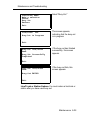
2. Press the sequence 123456789∗0# and then quickly press
the switchhook.
The CU should send a confirmation tone.
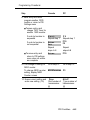
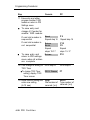
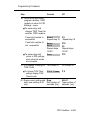
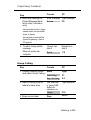
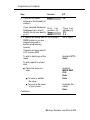
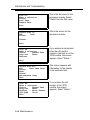
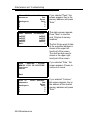
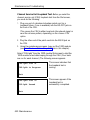
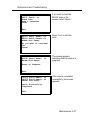
3. Hang up.
The CU should send a ring burst to the MFM, turn on the
Message LED, and resume normal operations.
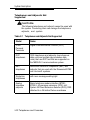
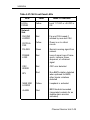
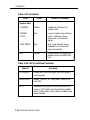
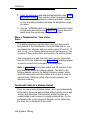
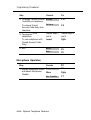
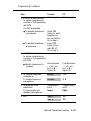
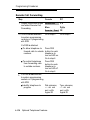
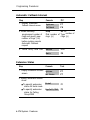
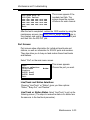
Fixing Telephone Problems
When a user complaint or a system test identifies the telephone
as the problem area, the trouble can be in the telephone itself, in
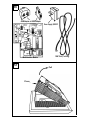
the mounting cord, or in the wiring between the CU and the
telephone. Check the wiring and the mounting cord before
checking the telephone.
Note: If the wiring has been crushed or severed, the -48-VDC
power supply may be shorted.
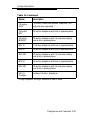
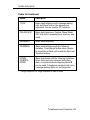
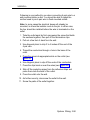
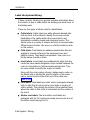
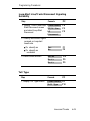
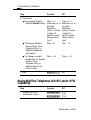
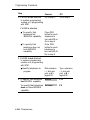
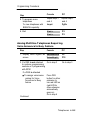
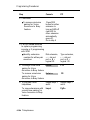
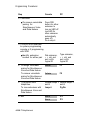
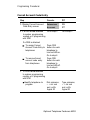
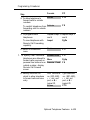
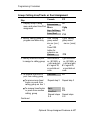
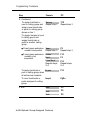
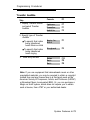
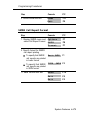
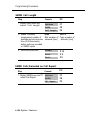
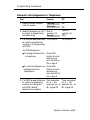
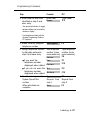
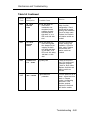
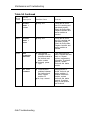
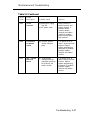
General Telephone and Wiring Troubles
Symptom:
Intermittent telephone trouble
Maintenance 5-35