1
ONESOURCE UTP App User Manual
UTP App Overview
7
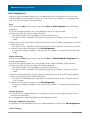
UTP App. Categories are also referred to as components.
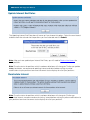
Important Note about Categories: If a category is deleted in the Provision side (Perm Diff, Temp
Diff, or Tax Adj) that is in use by the UTP App (i.e. a position with that code exists in one or more of
your datasets), those associated positions will be deleted from your dataset. With no category to
reference, the data in the system has nowhere to go. Please be cautious when deleting categories
in the Provision side!
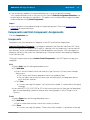
**We highly recommend using the Admin Center: Components in the UTP App to manage your
categories.
TaxStream Enterprise Clients
If codes established in TaxStream Enterprise for FAS 109 can be used for your UTPs, they can be
exported, converted and imported into the UTP App.
Export Categories from FAS 109
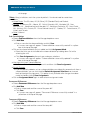
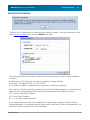
To export data into a file from TaxStream Enterprise:
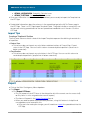
· ADMINISTRATION tab > Export Categories
· Enter a file name
· Click Save
Convert the exported file
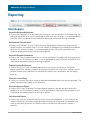
The export of categories from TaxStream Enterprise will include information that is not necessary
for the UTP App. The sheets that are used are:
· #CU# Units
· #CPD# Permanent Differences
· #CTD# Temporary Differences
· #CTA# Tax Adjustments
· #CS# States
Import converted categories into the UTP App
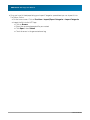
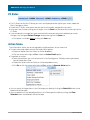
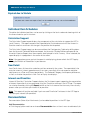
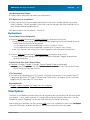
· On the home screen: Click on Provision > Import/Export Categories > Import Categories
· Import the file into the UTP App:
· Click on Browse
· Select the converted exported file you created
· Click Open & then Submit
· Check for errors in the generated error log
TaxStream Online Clients
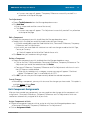
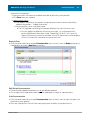
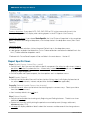
If you are a TaxStream Online Client for FAS 109, the permanent differences, temporary differences,
and tax adjustments you have set up for your Provision can also be used in the UTP App. These
categories will need to be assigned to the UTP App in order for them to appear there.
You can also set up new categories specific to your FIN 48 positions. See the next section for the
options you have for setting up your categories.
© 2009 TaxStream