1
ONESOURCE UTP App User Manual
Settings
25
Settings
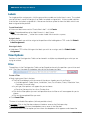
Dataset/Unit Select
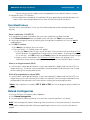
Once a dataset is created for the UTP App, you will need to set it as the current dataset for it to be
available to be populated with data.
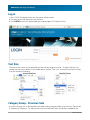
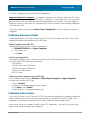
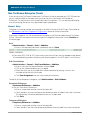
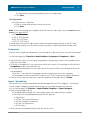
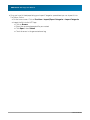
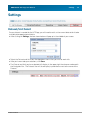
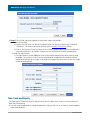
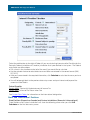
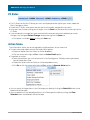
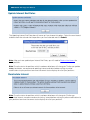
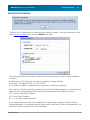
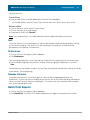
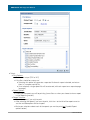
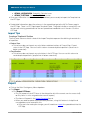
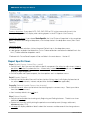
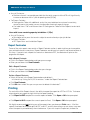
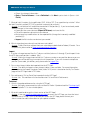
· After clicking on Settings, the box shown below will pop up in the middle of your screen.
· Select the Dataset and Unit from the drop down menus that you wish to work with.
· After you have made your selections, click Save
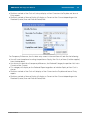
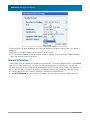
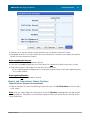
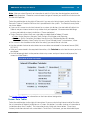
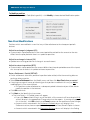
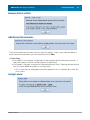
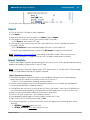
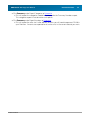
· The Dataset and Unit you have selected will display in the upper right hand corner underneath
the Navigation Bar. The Dataset Year will also display in parentheses next to the name of the
Dataset.
© 2009 TaxStream