1
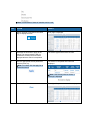
STEP
ACTION
RESULT
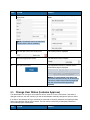
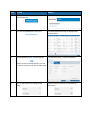
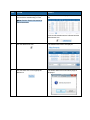
11.
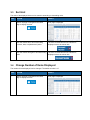
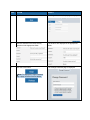
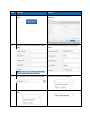
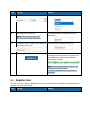
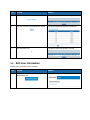
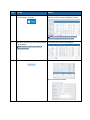
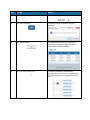
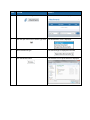
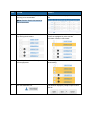
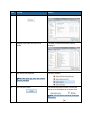
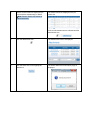
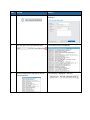
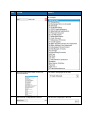
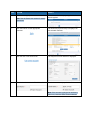
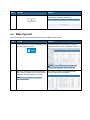
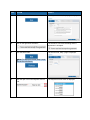
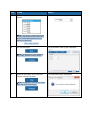
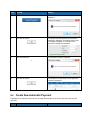
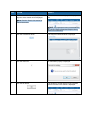
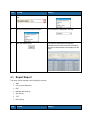
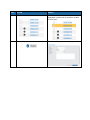
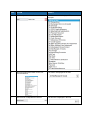
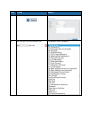
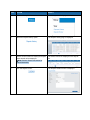
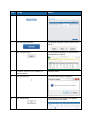
Select the Approved status.
The status is displayed in the field.
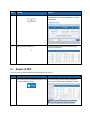
12.
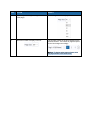
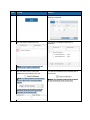
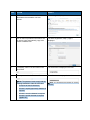
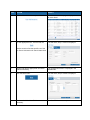
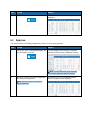
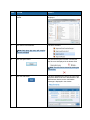
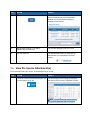
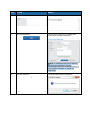
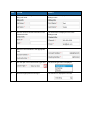
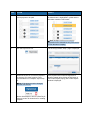
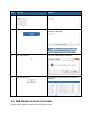
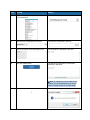
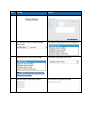
Click the Save button.
The status change confirmation popup is
displayed.
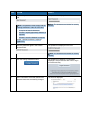
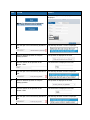
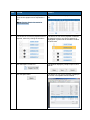
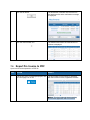
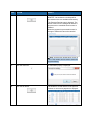
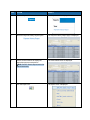
13.
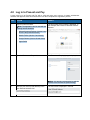
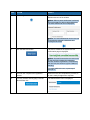
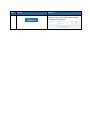
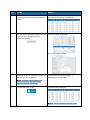
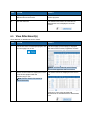
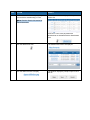
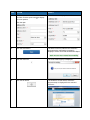
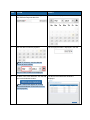
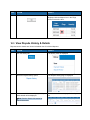
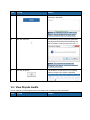
Click the OK button.
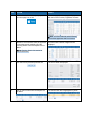
The status of the invoice(s) or non-invoice
payment(s) is changed to Approved and a
confirmation window is displayed.
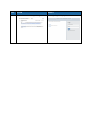
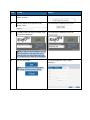
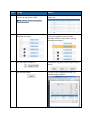
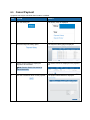
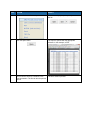
14
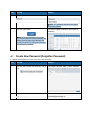
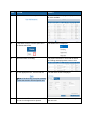
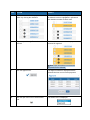
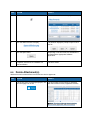
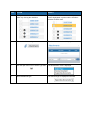
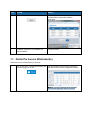
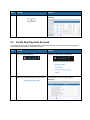
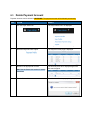
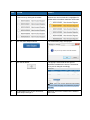
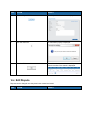
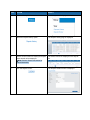
Close the close window icon.
The Approve window is closed and the
approved invoices or non-invoice payments are
no longer displayed in the unapproved invoice
list.