1
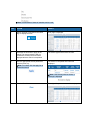
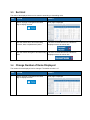
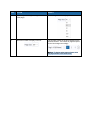
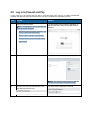
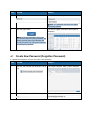
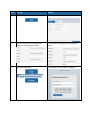
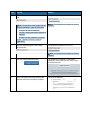
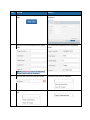
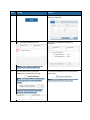
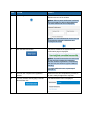
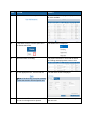
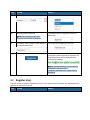
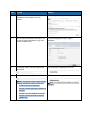
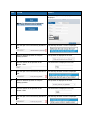
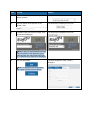
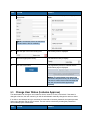
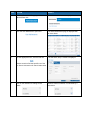
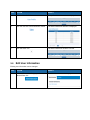
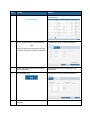
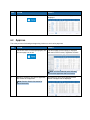
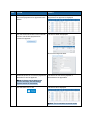
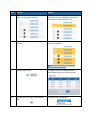
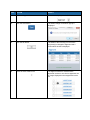
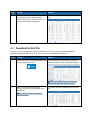
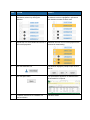
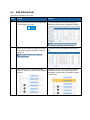
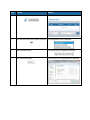
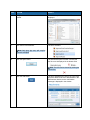
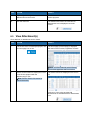
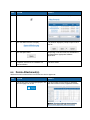
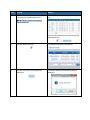
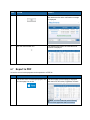
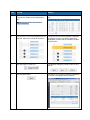
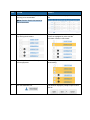
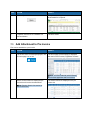
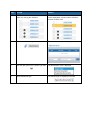
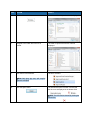
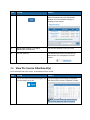
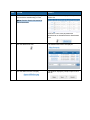
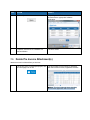
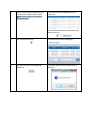
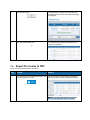
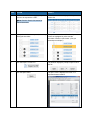
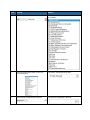
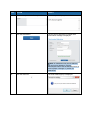
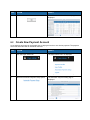
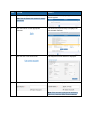
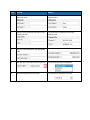
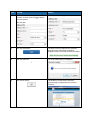
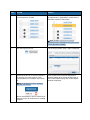
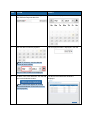
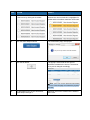
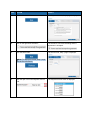
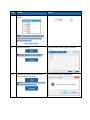
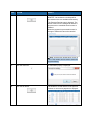
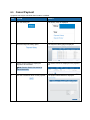
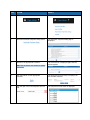
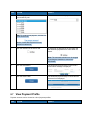
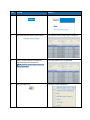
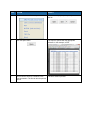
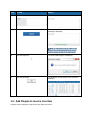
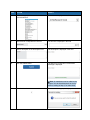
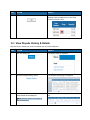
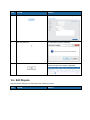
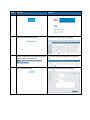
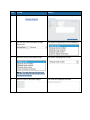
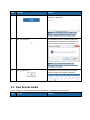
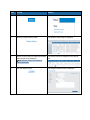
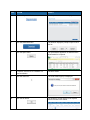
STEP ACTION RESULT 8. Enter a description in the Description field. The description is displayed in the field. 9. Click the Submit button. The dispute is created and a confirmation message is displayed. Note: An attachment can be added to the dispute. See the Add Attachment to Invoice section, starting at Step 4, for instructions. 10. Click the close icon. The close window popup is displayed. 11. Click the OK button. The window is closed and the list of invoices is displayed. 10.2 Add Dispute to Invoice Line Item A dispute can be applied to a specific line item within an invoice.