1
4.
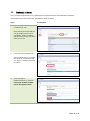
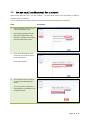
This section lists all the available categories you can store your projects in. This is similar to directories in a
computer filing system.
Steps
1.
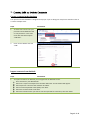
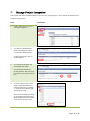
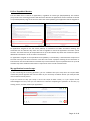
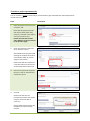
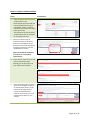
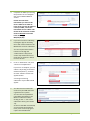
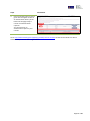
Under “My Projects” click on
“Manage Categories”.
2.
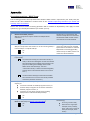
You will see a default folder
called “New Projects” where
your projects will be stored.
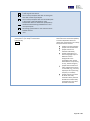
Screenshots
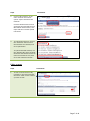
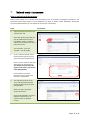
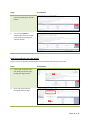
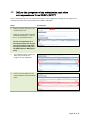
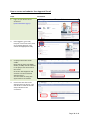
To add a new folder, click on
“Add Category”.
3.
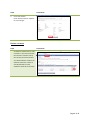
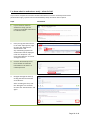
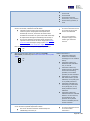
To name the new folder you
have added click “Edit”.
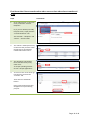
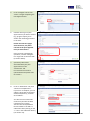
You can delete a folder by
clicking “Delete” but only if you
do not have any projects stored
in it.
4.
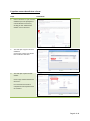
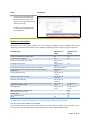
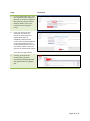
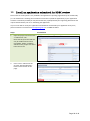
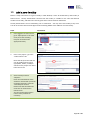
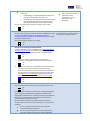
To move a project into a new
folder, expand the folder the
project is stored in, by clicking
“+” and tick the project(s) you
would like to move.
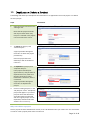
Then select the folder you want
to move the project into, from
the dropdown list at the bottom
of the screen, and click “Go”.
Page 10 of 46