1
LRX2 Hardware Installation Guide
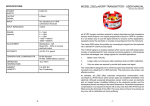
As you can see from the pictures above, analog monitors are connected by means of the white D-A
converters supplied. Digital Computer screens are connected directly to the card for instance :Two Digital Monitors.
The Matrox Parhelia will have been set up to your local TV format (PAL/NTSC) as standard. There are
more details on connection and set up options in the Matrox's own Help file.
If you are changing the monitor configuration on the Matrox you must always re-start the computer to
allow all monitors to plug and play correctly.
17