1
YEARBOOKFUSION: PANEL PAGES
149
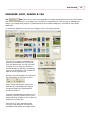
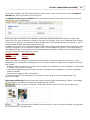
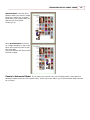
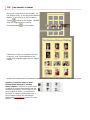
teachers should be in front of their class panels, followed by assistants, then the students.
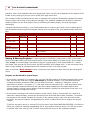
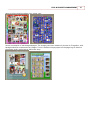
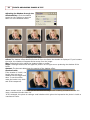
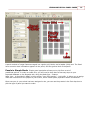
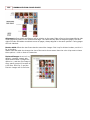
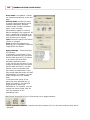
The Make into... feature fills in this missing info by tagging individuals in your school. Panels can then
be generated quickly, with everyone in the appropriate order, divided into their respective roles.
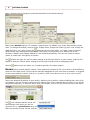
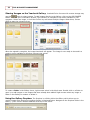
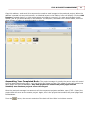
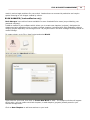
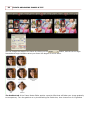
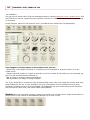
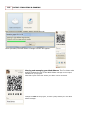
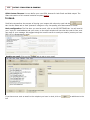
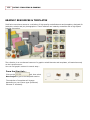
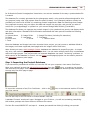
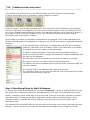
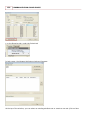
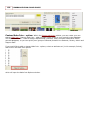
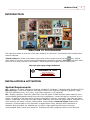
To add this info, go to the School tab in the Organize section.
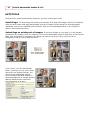
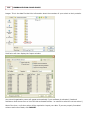
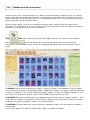
For starters, select all the teachers in your database - you can select them all at once, or in small
batches, or one at a time.
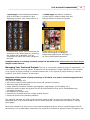
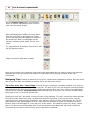
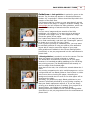
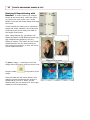
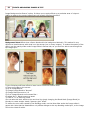
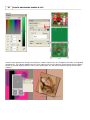
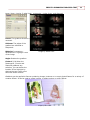
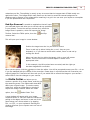
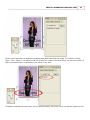
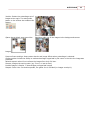
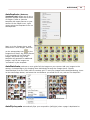
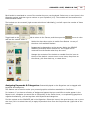
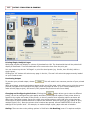
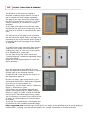
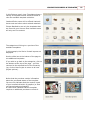
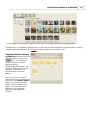
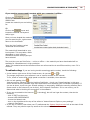
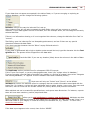
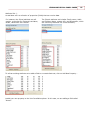
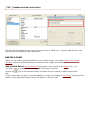
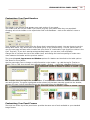
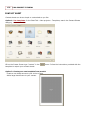
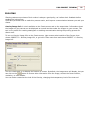
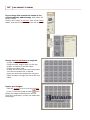
In this example, a single image has been selected.
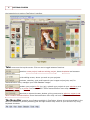
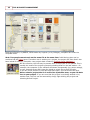
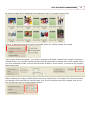
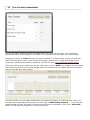
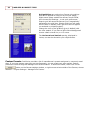
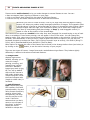
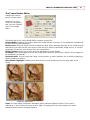
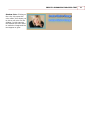
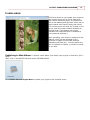
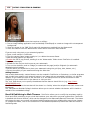
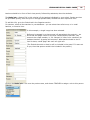
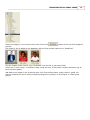
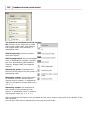
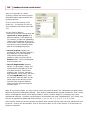
Before we've tagged it, we have some info associate to the portrait -- we
know that this photo refers to someone named Stephen Germain, who
seems to be a staff member, in "Mr. Germain's" class. Is he a teacher? An
assistant teacher? A special ed instructor? What panels should he be in?
Just his class, a staff page? We can't tell right now.
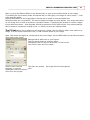
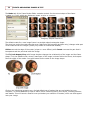
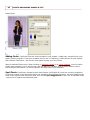
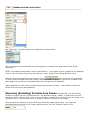
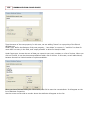
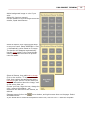
(The Exclude box tells us that he will be included in the panel. If it were set
to yes, then that person wouldn't be included in the panels.)
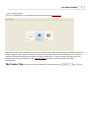
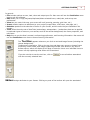
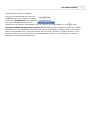
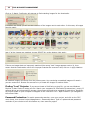
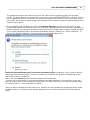
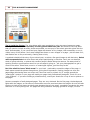
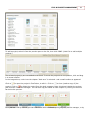
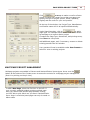
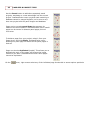
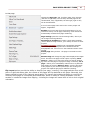
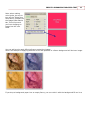
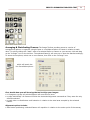
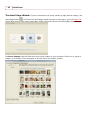
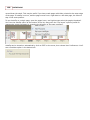
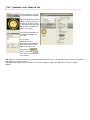
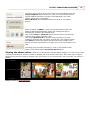
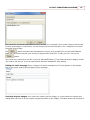
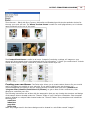
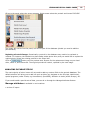
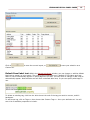
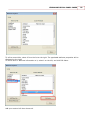
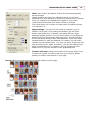
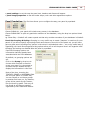
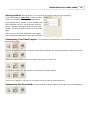
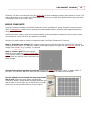
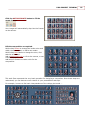
Click on the Make into... box over the preview area, and choose TEACHER to assign a role to this person.