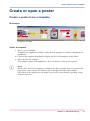
1
Open a 'Request database'
Make a batch print ('Request database')
Open a 'Request database'
Purpose
You can create an Excel or a CSV file that will automatically generate posters from data
and templates.
Open the file to select or sort the records to print the posters, or send the file to the print
provider as a batch (see ‘Print a 'Request database' as a batch ’ on page 57).
Before you begin
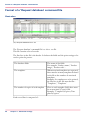
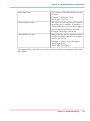
Create the database request file (.xls or .csv), see ‘Format of a 'Request database' command
file’ on page 58.
Close any poster open in the application.
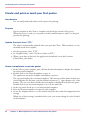
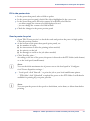
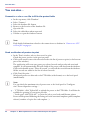
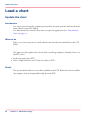
Illustration
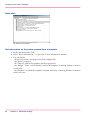
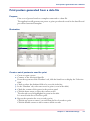
Open and check a 'Request database'
1.
2.
3.
4.
5.
6.
7.
In the top menu, select 'Database'
In 'Request database' select 'Open "Request" database...'
Select the Excel or CSV format
Click the 'Select'... button to browse to the file and open it
Click 'OK' to open the file
In the top menu ('Data' window) click the hand icon to display the 'Selection field'
Check or select the database field to be set as the index key
Chapter 5 - Advanced settings
55