1
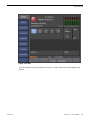
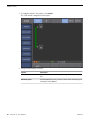
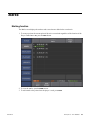
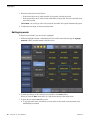
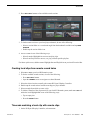
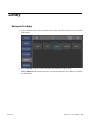
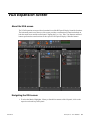
Configuration Screen
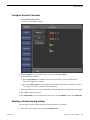
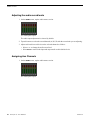
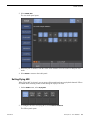
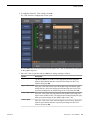
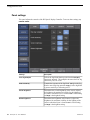
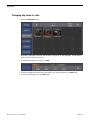
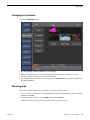
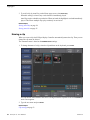
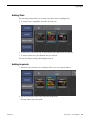
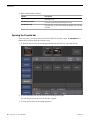
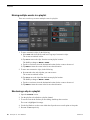
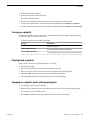
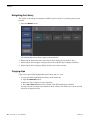
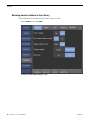
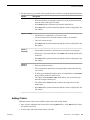
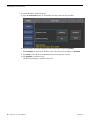
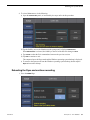
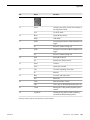
3. To change the transition duration for the Flying M/E and each of the five preset effects, do the
following:
a) In the first column enter a number less than 2:00 seconds but greater than or equal to 2 frames.
b) In the second column make settings as follows:
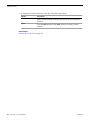
Video+Audio
Applies the transition to both output audio and video.
Audio Only
Applies the transition to the audio while video cuts.
Video Only
Applies the transition to the video while audio cuts.
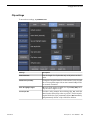
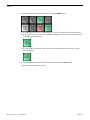
c) In the third column make settings as follows:
Dissolve
Creates a cross fade between the two consecutive events.
Matte
Creates a flash of the selected color between the two events in the
list. The duration of the flash is determined by the effect duration.
To select the color, tap the adjacent color box and choose a color
from the palette.
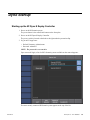
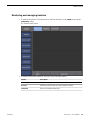
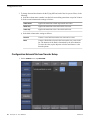
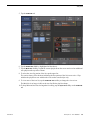
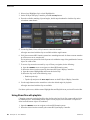
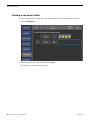
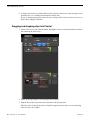
Configuration Network Tab from Transfer Setup
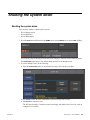
1. On the CONFIG screen, tap NETWORK.
36
K2 Dyno S User Manual
20130719