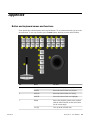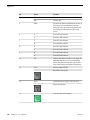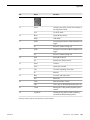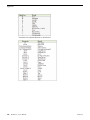
1
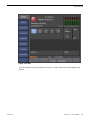
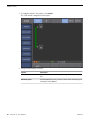
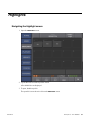
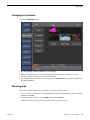
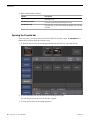
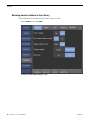
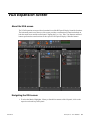
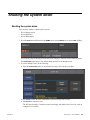
VGA Expansion Screen
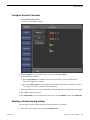
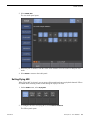
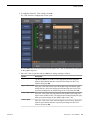
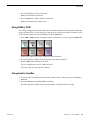
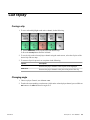
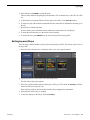
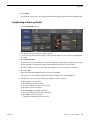
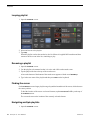
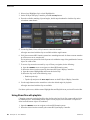
2. To change the contents of a Playlist Panel on the right side of the screen, click the rspective tab
and then select < or > SoftKeys that bracket the Playlist title.
This is cycled through playlists in the active bin, causing each list in succession to be active on
the K2 Dyno S Replay Controller.
Dragging and dropping clips into Playlist
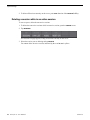
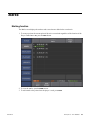
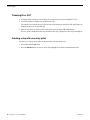
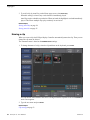
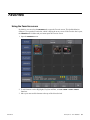
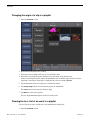
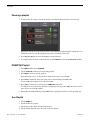
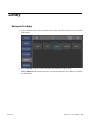
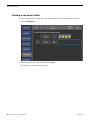
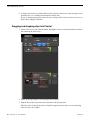
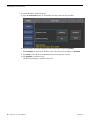
1. On the VGA screen, click either the Marks, Highlights, Library or Search tab and then select the
bin containing the desired clip.
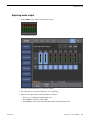
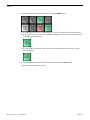
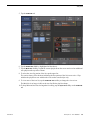
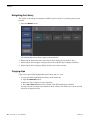
2. On the VGA Playlist panel, select the playlist to be edited.
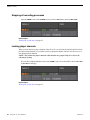
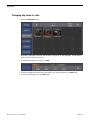
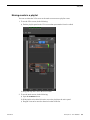
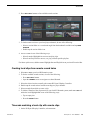
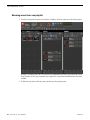
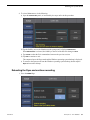
3. Drag the desired bin clip into the desired position in the playlist panel.
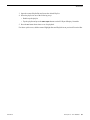
When the clip is in the playlist panel, a shaded bar appears between the two events indicating
where the clip is to be added.
92
K2 Dyno S User Manual
20130719