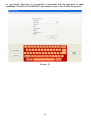
1
Administrator's menu
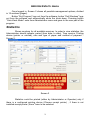
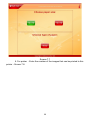
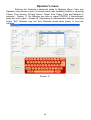
Once logged in, Screen 2 shows all possible management options, divided
in 15 sections (pages).
Button “Exit Program” logs out from the software; button “Exit Windows” logs
out from the software and automatically shuts the kiosk down. Pressing button
“Goto Kiosk Mode” exits from Administrator menu and goes to the user part of the
program.
Statistics
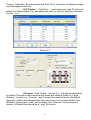
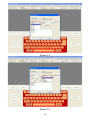
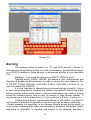
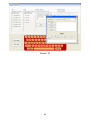
Shows counters for all available services. In order to view statistics, the
Administrator should indicate: period (from date; to date), Time service, Printing
device (printer or minilab), size and type of paper and method of payment Screen 2.
Screen 2
Statistics could be printed (either by Administrator or Operator) only if
there is a configured printing device (Choose receipt printer) , if there is not
installed receipt printer „None“ have to be selected.
3