1
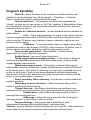
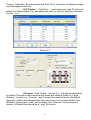
Normal image quality interval – specify the image quality guide marks.
Show customer info form – shows the customer info form on the end of
the order.
Hide language form – hiding the language(first) screen on the user
interface.
Show refresh button – refresh button on the image selecting screen.
Always turn off Screen Saver – turn off the screen saver.
User interface color – specify the color of the interface.
Show PhotoBook form – inset the PhotoBook software on the Picture
Maker select service form.
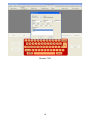
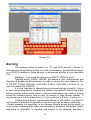
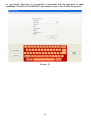
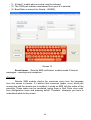
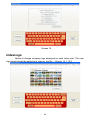
Screen 4
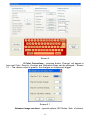
Image Services
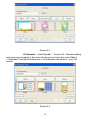
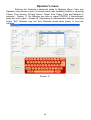
Add or Remove image services that customers can use - Screen 5.
Services are separated in three types :
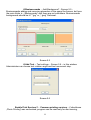
Base image services – main options (Rotation, Zoom, Fit, White border,
Color Corrections, Red Eye Remove, Auto Correction, Color Restoration , Black
and White, Sepia (retro photo)).
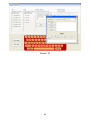
# White border – in field can be entered border width, by
default it is 4 mm.
7