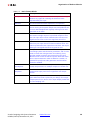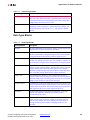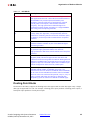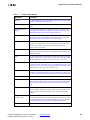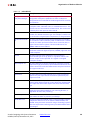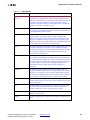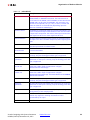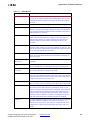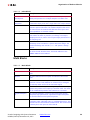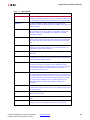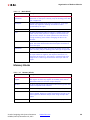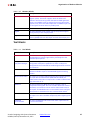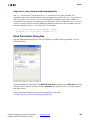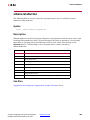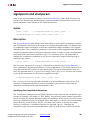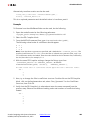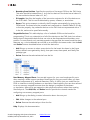
Download Block Parameters

Transcript
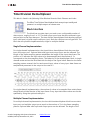
ModelSim
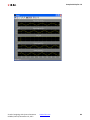
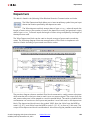
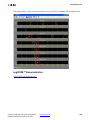
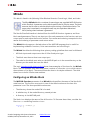
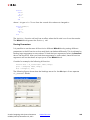
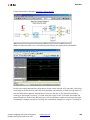
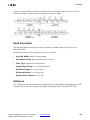
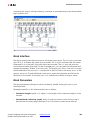
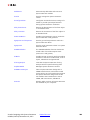
Generator. The signal display can be customized with an auxiliary Tcl script. To specify the
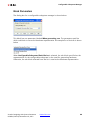
script, select Add Custom Scripts and enter the script name (e.g., myscript.do) in the Script
to Run After vsim field. An example showing a customized waveform viewer is included in
<ISE_Design_Suite_tree>/sysgen/examples/black_box/example5. This
example is in the topic Advanced Black Box Example Using ModelSim.
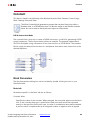
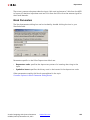
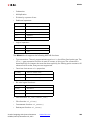
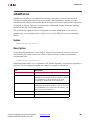
Leave ModelSim open at end of simulation: When this checkbox is selected, the
ModelSim session is left open after the Simulink simulation has finished.
Skip compilation (use previous results): When this checkbox is selected, the ModelSim
compilation phase is skipped in its entirety for all black boxes that are using the ModelSim
block for HDL co-simulation. To select this option is to assert that: (1) underneath the
directory in which ModelSim will run, there exists a ModelSim work directory, and (2) that
the work directory contains up-to-date ModelSim compilation results for all black box HDL.
Selecting this option can greatly reduce the time required to start-up the simulation,
however, if it is selected when inappropriate, the simulation can fail to run or run but
produce false results.
Advanced tab
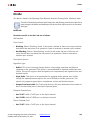
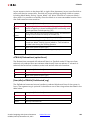
Parameters specific to the Advanced tab are as follows:
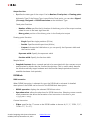
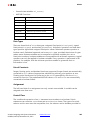
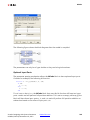
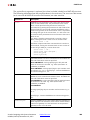
Include Verilog unisim library: Selecting this checkbox ensures that ModelSim includes
the Verilog UniSim library during simulation. Note: the Verilog unisim library must be
mapped to UNISIMS_VER in ModelSim. In addition, selecting this checkbox ensures the
"glbl.v" module is compiled and invoked during simulation.
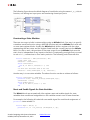
Add custom scripts: The term “script” refers to a Tcl macro file (DO file) executed by
ModelSim. Selecting this checkbox activates the fields Script to Run Before Starting
Compilation, Script to Run in Place of "vsim", and Script to Run after "vsim". The DO
file scripts named in these fields are not run unless this checkbox is selected.
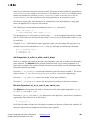
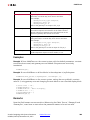
Script to run before starting compilation: Enter the name of a Tcl macro file (DO file) that
is to be executed by ModelSim before compiling black box HDL files.
Note: For information on how to write a ModelSim macro file (DO file) refer to the Chapter in the
ModelSim User’s Manual titled Tcl and macros (DO files).
Script to run in place of "vsim": ModelSim uses Tcl (tool command language) as the
scripting language for controlling and extending the tool. Enter the name of a ModelSim Tcl
macro file (DO file) that is to be executed by the ModelSim do command at the point when
System Generator would ordinarily instruct ModelSim to begin a simulation. To start the
simulation after the macro file starts executing, you must place a vsim command inside the
macro file.
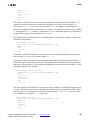
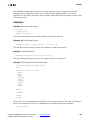
Normally, if this parameter is left blank, or Add custom scripts is not selected, then System
Generator instructs ModelSim to execute the default command vsim $toplevel -title
{System Generator Co-Simulation (from block $blockname} Here $toplevel is the name
Vivado: Designing with System Generator
UG958 (v2012.3) November 16, 2012
www.xilinx.com
226