1
XtremeDSP Co‐Simulation
XtremeDSP Co‐Simulation
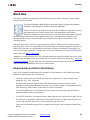
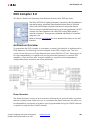
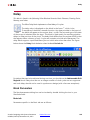
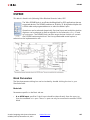
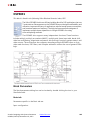
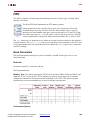
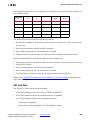
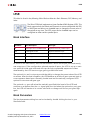
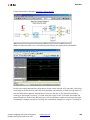
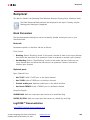
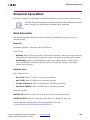
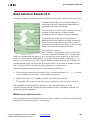
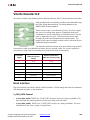
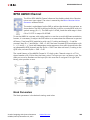
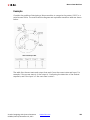
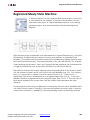
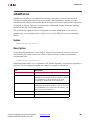
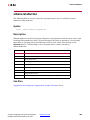
The Xilinx XtremeDSP Co-simulation block can be used in place of a Simulink
subsystem that was compiled for XtremeDSP co-simulation. During simulation,
the block behaves exactly as the subsystem from which it originated, except
that the simulation data is processed in hardware instead of software.
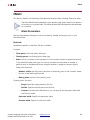
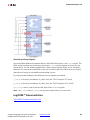
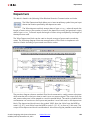
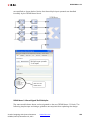
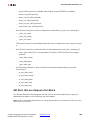
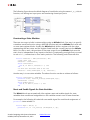
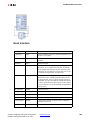
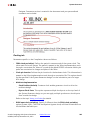
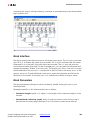
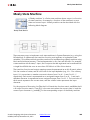
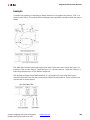
The port interface of the co-simulation block will vary. When a model is
compiled for co-simulation, a new library is created that contains a custom
XtremeDSP hardware co-simulation block. This block has input and output ports that match
the gateway names (or port names if the subsystem is not the top level) from the original
model.
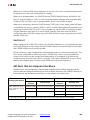
The hardware co-simulation block interacts with the XtremeDSP development kit board
during a Simulink simulation. Simulation data that is written to the input ports of the block
are passed to the hardware by the block. Conversely, when data is read from the
co-simulation block's output ports, the block reads the appropriate values from the
hardware and drives them on the output ports so they can be interpreted in Simulink. In
addition, the block automatically opens, configures, steps, and closes the development kit
board.
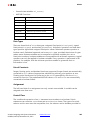
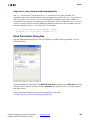
Block Parameters
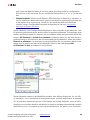
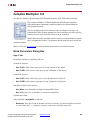
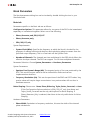
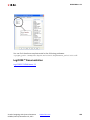
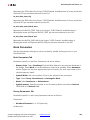
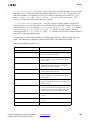
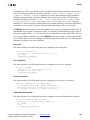
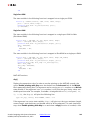
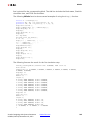
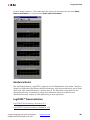
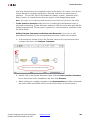
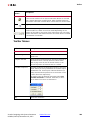
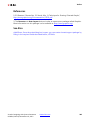
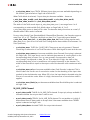
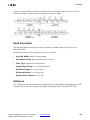
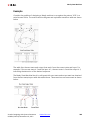
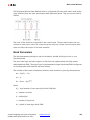
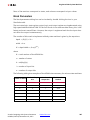
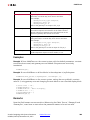
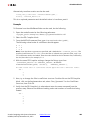
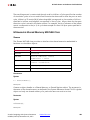
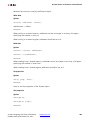
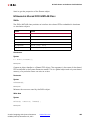
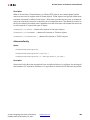
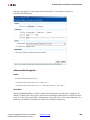
The block parameters dialog box can be invoked by double-clicking the icon in your
Simulink model.
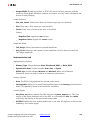
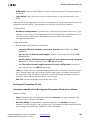
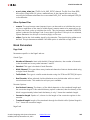
Basic tab
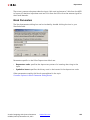
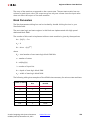
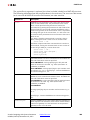
Parameters specific to the Basic tab are as follows:
•
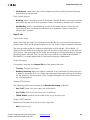
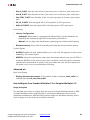
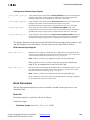
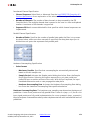
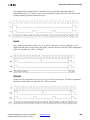
Clock source: You can select between Single stepped and Free running clock sources.
Selecting a Single Stepped clock allows the block to step the board one clock cycle at a
time. Each clock cycle step corresponds to some duration of time in Simulink Using this
clock source ensures the behavior of the co-simulation hardware during simulation is
bit and cycle accurate when compared to the simulation behavior of the subsystem
from which it originated. Sometimes single stepping is not necessary and the board can
be run with a Free Running clock. In this case, the board will operate asynchronously to
the Simulink simulation.
•
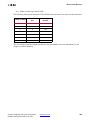
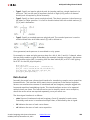
Frequency (MHz): When Free Running clock mode is selected, you can specify the
operating frequency that the free running clock should be programmed to run at
during simulation. The selected clock frequency is rounded to the nearest valid
frequency available from the programmable oscillator. Note: You must take care to
specify a frequency that does not exceed the maximum operating frequency of the
Vivado: Designing with System Generator
UG958 (v2012.3) November 16, 2012
www.xilinx.com
380