1
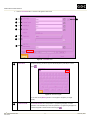
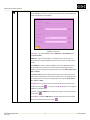
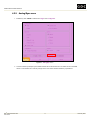
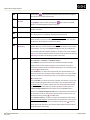
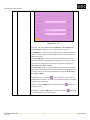
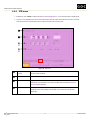
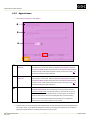
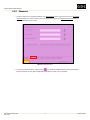
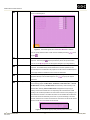
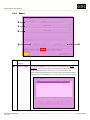
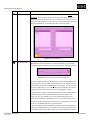
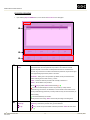
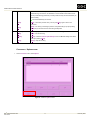
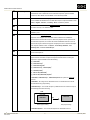
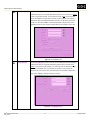
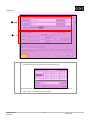
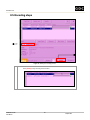
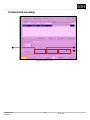
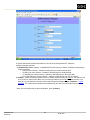
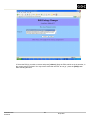
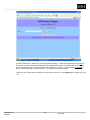
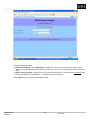
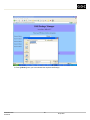
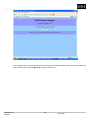
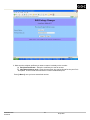
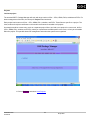
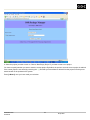
UNDERSTANDING THE USER INTERFACE Sequence Name Shows the name of the audio sequence that will be playout/copied to the Target specified on the Playback Config/Config page. By default, it shows the name of the audio sequence that is associated with the selected video sequence. You may however choose to playout/copy another audio sequence with the selected video sequence. Press [] to see full list of audio sequences available in the encoder and select the audio sequence you want. Num Channels Displays the number of channels of the selected audio sequence. Not to be altered. Num Bits Displays the number of bits per audio sample. Not to be altered. Frequency Displays the sampling rate of the audio sequence. Not to be altered. Format Displays the file format of the audio sequence. Cannot be altered. Audio Delay Use the keypad to specify audio delay. Example 1: Audio delay = ‘+6’ delays the audio by 6 frames. This means the audio starts 6 frames later than the video. Example 2: Audio delay = ‘-6’ advances the audio by 6 frames. This means the video starts 6 frames later than the audio. DSRTM DSR EN-2000 Encoder User Manual 28 11 February 2008