1
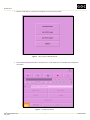
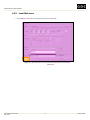
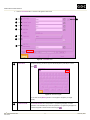
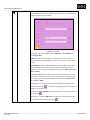
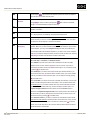
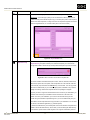
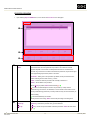
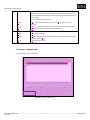
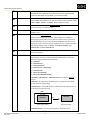
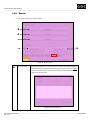
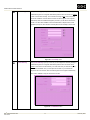
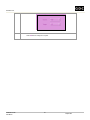
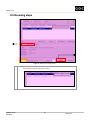
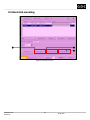
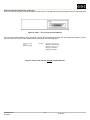
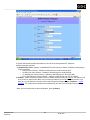
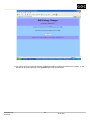
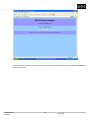
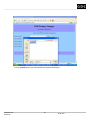
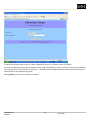
UNDERSTANDING THE USER INTERFACE Example 1: ‘%06d’ – This is the default format. The frame will be named 000000.uyvy, image000001.uyvy, image000002.uyvy and so on. Example 2: ‘frame%03d’ – The frame will be named frame000.uyvy, frame001.uyvy, frame002.uyvy and so on. Filename Ext Filename Extension. Use the keypad Start Offset Specify the starting number in the file numbering system. Use the keypad . . By default, the numbering starts from ‘0’ for e.g. from 000000.uyvy, image000001.uyvy, image000002.uyvy and so on. If ‘20’ is specified, then the numbering would start from ‘20’ for e.g. from 000020.uyvy, image000021.uyvy, image000022.uyvy and so on. Compression Specify the compression method used to compress each frame of the selected sequence. If no compression is required, select ‘None’ from the dropdown list. The frame will be copied to the target directory as raw frames. Compression options available include ‘Gzip’, ‘Bzip2’, ‘Tiff’, ‘TGA’, ‘DPX’, ‘MPEG2’, ‘JPEG2000’, ‘Cineon’ and ‘Custom’. Note that MPEG2 is different from the other options; the MPEG2 compressed sequence will appear as a single compressed video file (.m2v). This is unlike the other options, which will has a separate compressed image file for each frame. Encryption Key This option is only enabled when the selected compression option is ‘JPEG2000’. Use the keypad. A new window will appear as seen below. Figure 16. Enter the encryption key. Audio Directory Specify the directory you wish to copy the audio file of the selected sequence to. By default, the audio directory is the same as the video directory. Use the keypad . You can also use the [Browse] function on the keypad to navigate to your target directory. DSRTM DSR EN-2000 Encoder User Manual 25 11 February 2008