1
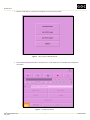
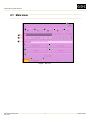
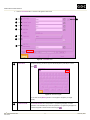
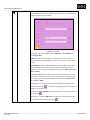
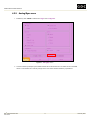
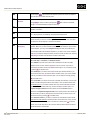
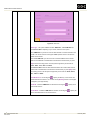
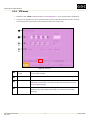
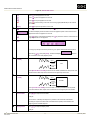
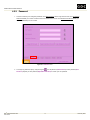
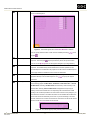
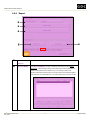
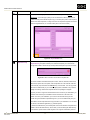
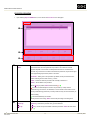
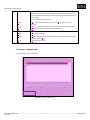
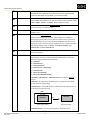
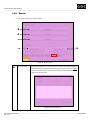
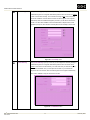
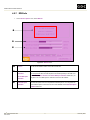
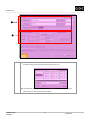
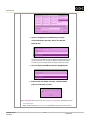
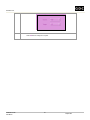
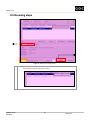
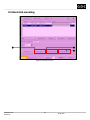
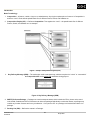
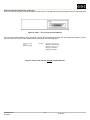
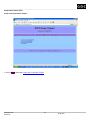
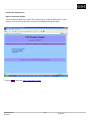
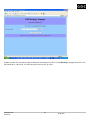
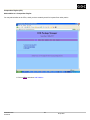
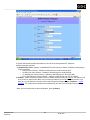
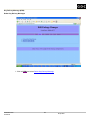
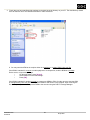
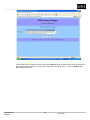
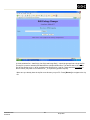
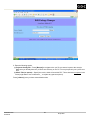
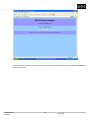
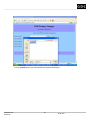
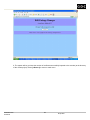
UNDERSTANDING THE USER INTERFACE : Processor not detected by the encoder. The processor (or node) could be malfunctioning, not turned on, not activated, or not connected to the encoder. If there are any malfunctioning processors (or nodes), make sure they are removed before you start encoding. : Processor detected by the encoder. [Add]/ [Add] – Add a new processor entry. You may use [Edit] to give a name to the processor. [Edit] – For naming or renaming a processor. A keyboard will pop up upon pressing [Edit] [Edit] and you can enter the new name using the keyboard. [Options]/ [Options] – Open a menu for you to set the MPEG2 encoding parameters. [Run]/ [Run] – Run the encoding. [Close]/ [Close] – Return to Advance Options/Export menu. All MPEG2 settings done will be lost upon pressing [Close]. [Stop] [Stop] – Stop the encoding. Processors / Options menu 1. On the Processors menu, select Options. Figure 52. Press the Options button. DSRTM DSR EN-2000 Encoder User Manual 59 11 February 2008