1
Chapter 22
Using Your Coefficient Designs with DFD Utilities
Windows DLL DFD Utilities
This section contains descriptions of the DFD utilities you can use from within your
Windows 95/NT applications to read DFD filter coefficient files and to filter your data
using the coefficients.
When you install the DFD toolkit, a 32-bit DLL named DFD32.DLL is installed for
Windows 95/NT users. This DLL is located in the Libraries subdirectory of your
installation directory, along with the header file Dfdutils.h.
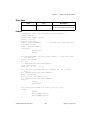
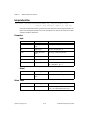
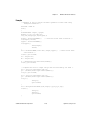
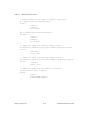
The DFD DLL and header file have the following function prototypes:
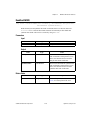
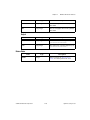
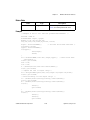
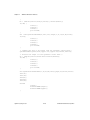
FilterPtr AllocCoeffDFD (void);
long ReadCoeffDFD (char coeffPath[], FilterPtr filterCoefficients,
double *samplingrate);
long FreeCoeffDFD (FilterPtr filterCoefficients);
long FilterDFD (double inputArray[], long n,
FilterPtr filterCoefficients, double outputArray[]);
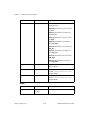
Refer to the descriptions for each function and its parameters in the previous section,
LabWindows/CVI Utilities. Call these functions in your code the same way you call other
DLL functions.
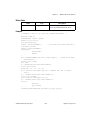
The DFD toolkit also provides an example for Visual Basic 4.0 that shows you how to call the
DFD utility functions. The source code is in the DFDUTILS\WINSRC\EXAMPLE\VB
subdirectory of your installation directory.
© National Instruments Corporation
22-9
Signal Processing Toolset