1
MicroEngine ®
XP-GT/GTR Programming Manual
1.2 Idle Mode
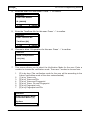
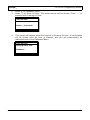
In Idle Mode, the LCD display is shown as below.
Good Day
Please Present
Token
10:38:55
Tue,07/17
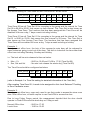
The controller will give audio and visual indication to users in different circumstances.
Table below shows normal response in Idle Mode:
Condition
Idle Mode
LCD Display
1. Request for a token to be presented.
Buzzer
OFF
2. Indicate time, date and day in 'HH:MM:SS' and
'DAY,MM/DD' format.
3. Backlight is dimmed.
1.3 Token Operation
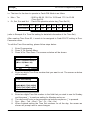
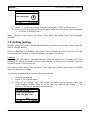
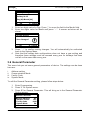
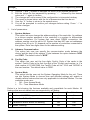
Token only the default operation mode of device. If the token type is set as a card,
then the user has to present a card to identify himself. If the token type is a pin, then
the user has to present a card to identify himself. To read the card, place the card near
the keypad area. The time interval between successive reading of the same card
number is 2 seconds. The card is installed using the Database Menu, by adding a New
User or Quick Add User. Various verification mode can be selected, as explained later
in the manual.
V3.00
7