1
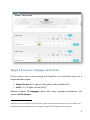
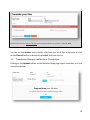
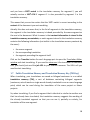
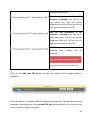
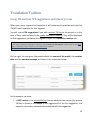
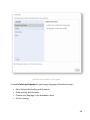
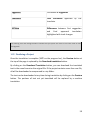
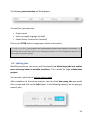
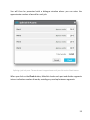
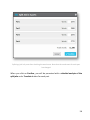
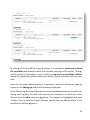
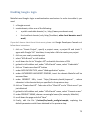
Once the TMX has been uploaded, you can leave the key automatically generated by Matecat, replace it with a different one or leave the private TM Key box empty. If no private TM key is indicated, the segments in your TMX are saved in the generic public translation memory and can be accessed by all MateCat users. Adding or Creating a Private TM for an Existing Project If you would like to add your own translation memory or create a private TM in an already created project you are working on (because you are working on it in outsourcing or because you forgot to add it during the creation of the project), you can add your personal TM directly in your Translation Editor window by clicking on the Add your personal TM button. In this way, you use it and update it privately without sharing with other users. A window will be displayed as in the screenshot below: 21