1
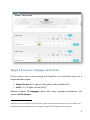
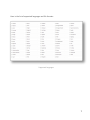
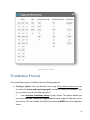
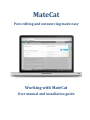
Supported file formats Translation Process The translation process is divided into the following phases: 1. Creating a project: from the MateCat home page (http://www.matecat.com) you can select the source and target language(s) and add the file(s) to translate. Then you can choose one of the following options: o
use a machine translation server of your choice. This option allows you to receive machine translation suggestions for each segment from the server you choose. You can disable this option by selecting NONE from the dropdown menu. 8