1
CP6000 UG, ID 27942, Rev. 05
Kontron Modular Computers GmbH
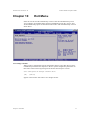
Advanced BIOS Setup
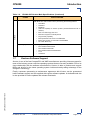
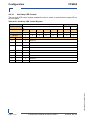
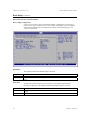
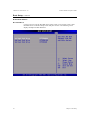
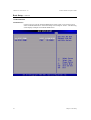
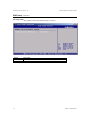
CPU CONFIGURATION SCREEN
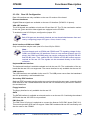
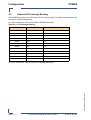
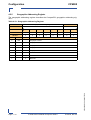
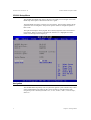
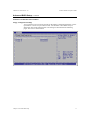
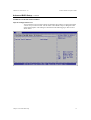
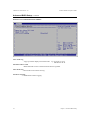
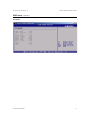
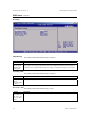
CPU Configuration Settings
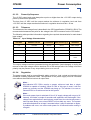
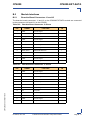
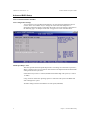
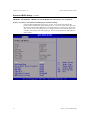
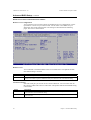
You can use this screen for Board information or to select the Intel Speed Step options.
Use the <Plus> and <Minus> keys to change the value of the selected option. A
description of the item appears on the right side of the screen. The setting is described on
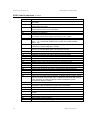
the following page. An example of the CPU Configuration screen is shown below.
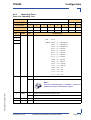
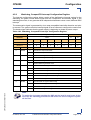
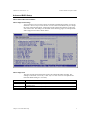
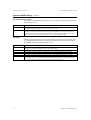
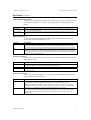
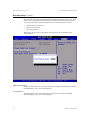
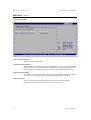
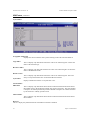
Intel® SpeedStep™ tech.
This item specifies the Intel Speed Step Feature. The settings are Maximum Performance,
Battery Optimized, Reversed, Automatic and Disabled. The Optimal and Fail-Safe default
setting is Maximum Performance.
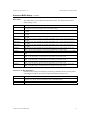
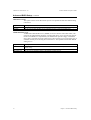
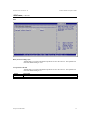
If Maximum Performance is selected, the BIOS will enable high CPU speed (1.1 GHz or
1.6 GHz).
Using Automatic allows the operating system to control the CPU speed. The BIOS will
start with high CPU speed.
All other settings will force the BIOS to use low speed (600 MHz).
8
Chapter 3: Advanced BIOS Setup