1
CP6000 UG, ID 27942, Rev. 05
Kontron Modular Computers GmbH
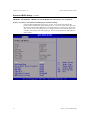
Advanced BIOS Setup, Continued
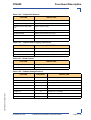
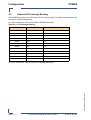
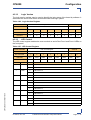
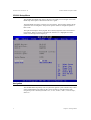
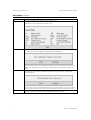
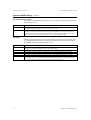
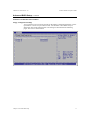
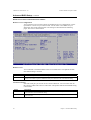
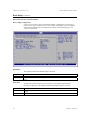
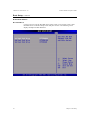
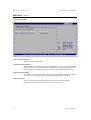
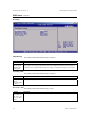
USB 2.0 Controller
Set this value to allow the system to enable or disable the USB 2.0 controller. The
Optimal and Fail-Safe default setting is Enabled.
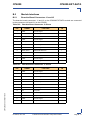
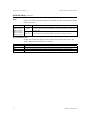
Option
Disabled
Enabled
Description
Set this value to disable the USB 2.0 controller.
Set this value to enable the USB 2.0 controller. This is the default setting.
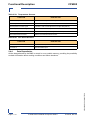
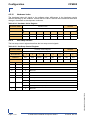
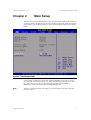
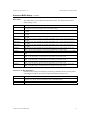
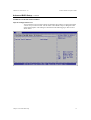
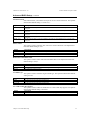
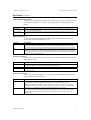
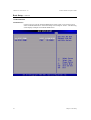
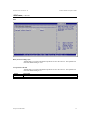
USB 2.0 Controller Mode
Set this value to allow the system to configure the USB 2.0 controller. The Optimal
default setting is Full Speed. The Fail-Safe default setting is HiSpeed.
Option
Full Speed
HiSpeed
Description
Set this value to configure the USB 2.0 controller in Full Speed (12 Mbps).
Set this value to configure the USB 2.0 controller in HiSpeed (480 Mbps).
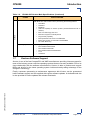
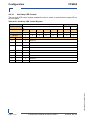
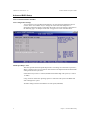
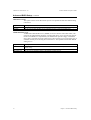
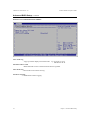
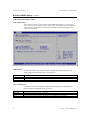
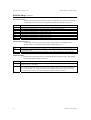
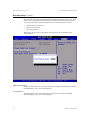
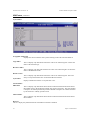
USB Mass Storage Device Configuration
Configure the USB Mass Storage Class Devices. More Information displays the BIOS
help.
Chapter 3: Advanced BIOS Setup
31