1
SecuGuard Basic
4. Repair database
4. Repair database
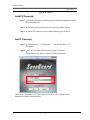
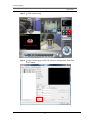
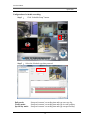
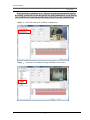
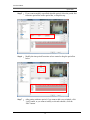
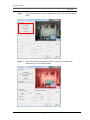
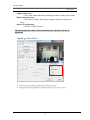
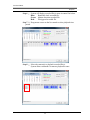
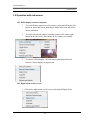
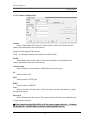
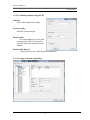
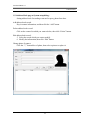
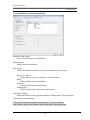
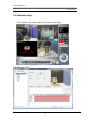
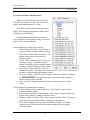
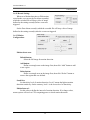
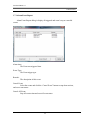
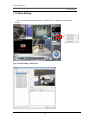
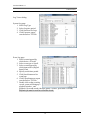
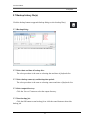
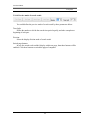
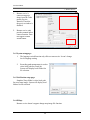
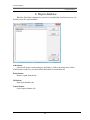
When the Hard-disk is damaged or you have re-installed the SecuGuard system, you
should execute the repair database.
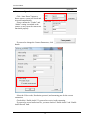
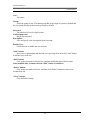
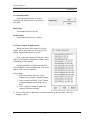
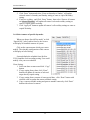
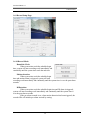
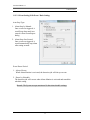
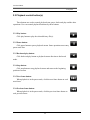
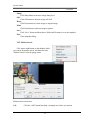
Add button:
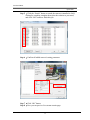
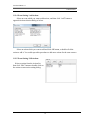
System will list the current setting record folder(s). If the system has more folders
which stored record files, you should click add button to include them all.
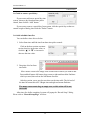
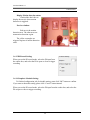
Delete button:
Remove a path from the list.
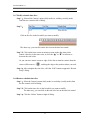
OK button:
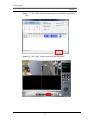
Start repair database job.
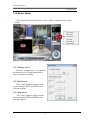
Cancel button:
Cancel repair database job.
108