1
SecuGuard Basic
Installation
Installation
Before Installing the Software
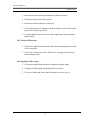
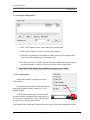
1. Make sure your PC has installed DirectX 9.0c or above.
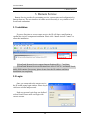
2. Run SecuGuard5xxx.exe, which is included in the enclosed Software CD.
Starting the Installation
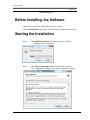
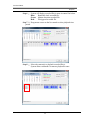
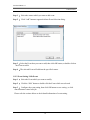
Step 1.
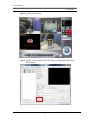
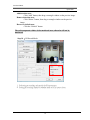
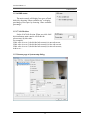
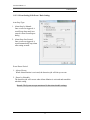
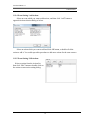
The Installation Wizard will start. Select your preferred
language for the SecuGuard.
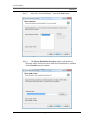
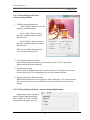
Step 2.
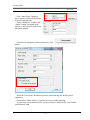
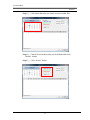
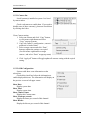
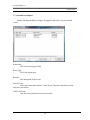
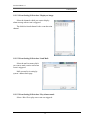
The License Agreement window will be listed as belowt.
Click “I Agree” to continue if you want to install this software.
7