1
SecuGuard Basic V.5
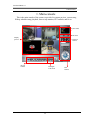
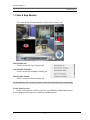
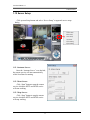
1. Main-console
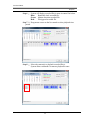
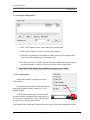
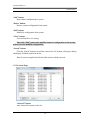
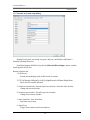
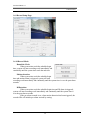
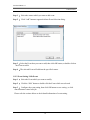
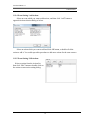
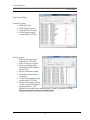
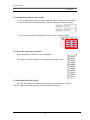
5. Click “Paste” button and select “Paste on Saturday to Sunday” will update
selected camera’s Saturday and Sunday setting as same as copied Weekday
setting.
6. If select a weekday , and Click “Paste” button , then select “Paste to all camera
on Selected Weekday” will update all camera’s selected weekday setting as
same as copied camera weekday.
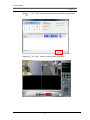
7. Click “Apply all” button to update all camera’s all weekday settings as same as
copied Weekday.
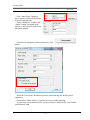
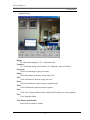
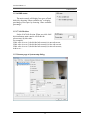
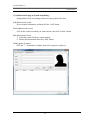
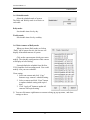
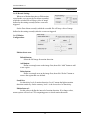
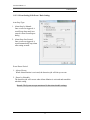
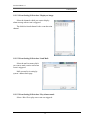
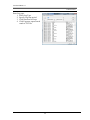
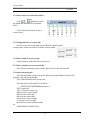
1.6.4 Select camera of special day mode:
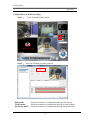
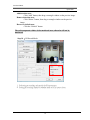
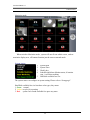
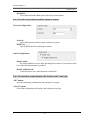
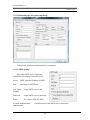
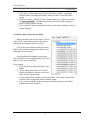
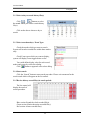
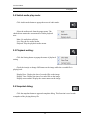
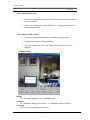
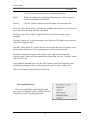
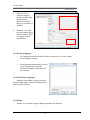
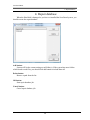
When you choose Special Day mode” or click
“Special Day” tab of camera list tree, the list tree
will display all installed cameras of system.
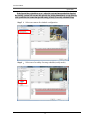
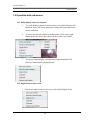
Click on the camera name which you want to
modify. The schedule configuration of this camera
will display at left of dialog.
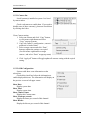
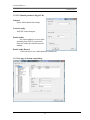
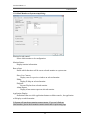
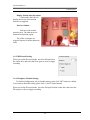
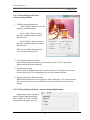
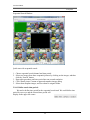
System defaults the schedule from 00:00 to
23:59 round the clock recording setting. User could
modify it for your own schedule
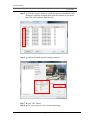
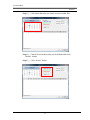
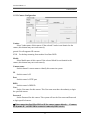
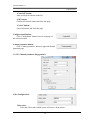
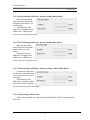
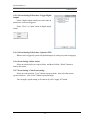
Clone Setting:
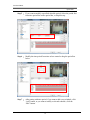
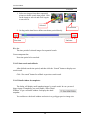
1. Select one date or camera and click “Copy”
button.
2. If copy setting from a date, click “Paste”
button will update all cameras of selected
target date by copied setting.
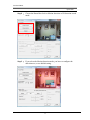
3. If copy setting from a camera of some special date , click “Paste” button with
selected a date to update the camera schedule setting.
4. Copy a camera schedule setting and paste to another camera by click “Paste”
button with selected a camera.
55