1
IQ® Programmer Reference Manual
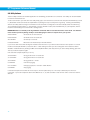
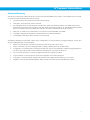
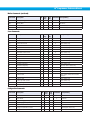
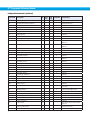
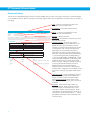
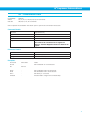
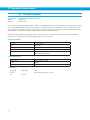
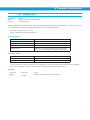
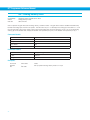
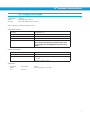
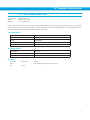
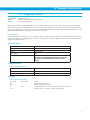
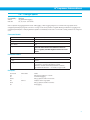
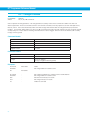
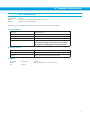
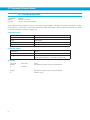
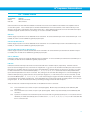
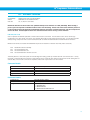
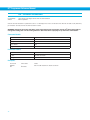
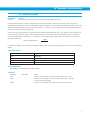
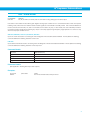
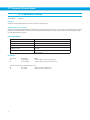
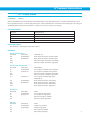
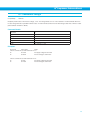
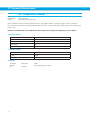
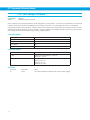
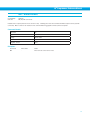
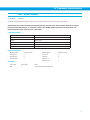
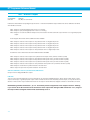
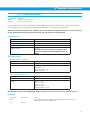
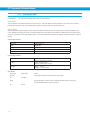
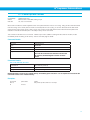
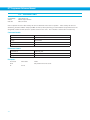
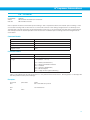
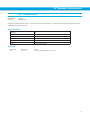
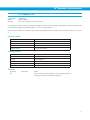
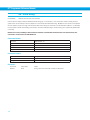
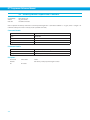
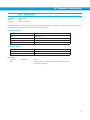
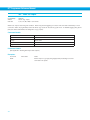
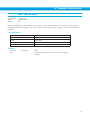
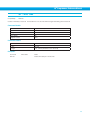
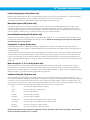
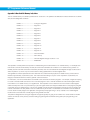
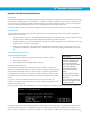
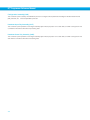
PC - Power-up Current
Compatibility:
Affects:
See also:
All drives
Motor current and torque
CC, PI, PP commands
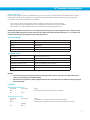
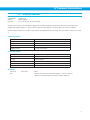
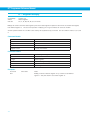
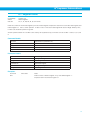
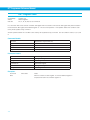
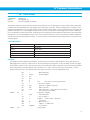
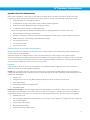
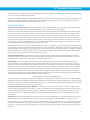
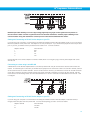
If using a stepper drive, PC sets or requests the continuous (RMS) current setting of the servo drive. If using a servo drive, PC
sets or requests the current setting (“peak of sine”) of the stepper drive, also known as the running current.
NOTE: This command is similar to CC. It differs only in that in addition to setting the continuous current of the drive,
PC also immediately saves the setting to NV memory. See CC command for further details.
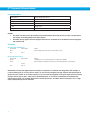
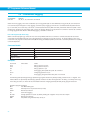
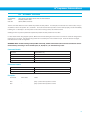
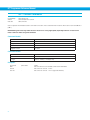
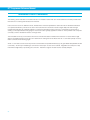
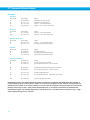
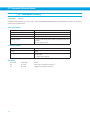
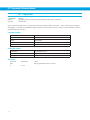
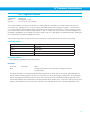
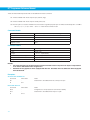
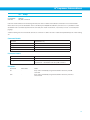
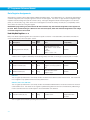
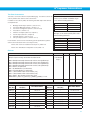
Command Details:
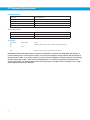
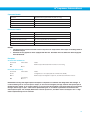
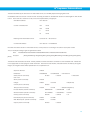
Structure
PC{Parameter #1}
Type
BUFFERED
Usage
READ/WRITE
Non-Volatile
Yes (see note below)
Register Access
“N” (030)
Note: The PC and CC commands use different units
than the “N” register; see Data Registers section for
details
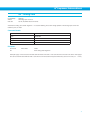
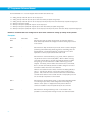
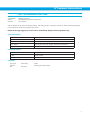
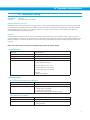
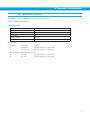
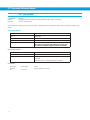
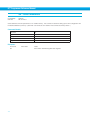
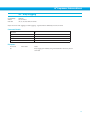
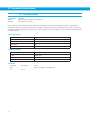
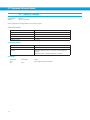
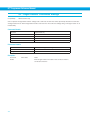
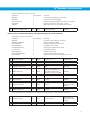
Parameter Details:
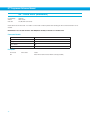
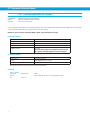
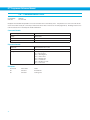
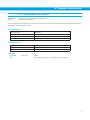
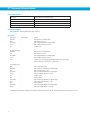
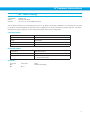
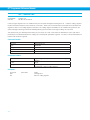
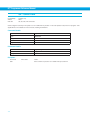
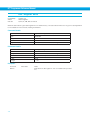
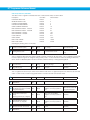
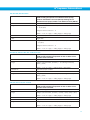
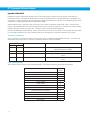
SRV-AC5, SRV-DC7, SRV-AC3
Parameter #1
Power-up continuous current setting
- units
amps rms (resolution is 0.01 amps)
- range
SRV-AC5: 0 - 5.0
SRV-DC7: 0 - 7.0
SRV-AC3 (120V): 0 - 3.5
SRV-AC3 (220V): 0 - 1.8
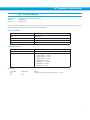
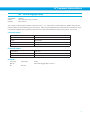
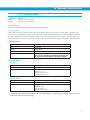
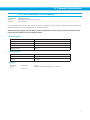
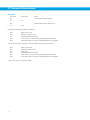
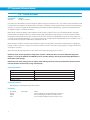
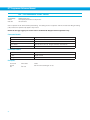
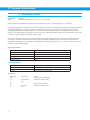
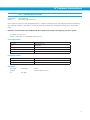
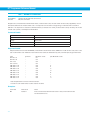
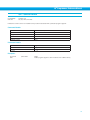
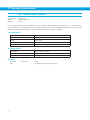
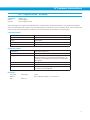
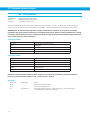
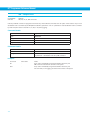
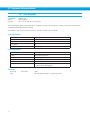
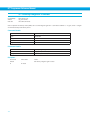
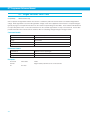
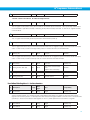
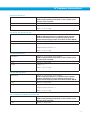
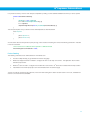
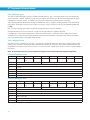
STP-10-Q, ITM-23Q, STP-AC5
Parameter #1
Running current
- units
amps (resolution is 0.01 amps)
- range
STP-5 : 0 - 5.0
STP-10: 0 - 10.0
ITM-23: 0 - 5.0
STP-AC5 (120V): 0 - 5
STP-AC5 (220V): 0 - 2.55
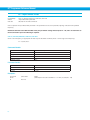
NOTE: Bimba recommends using Bimba IQ® Stepper software to select a motor and set the maximum current.
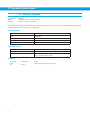
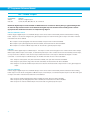
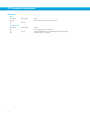
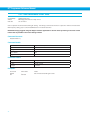
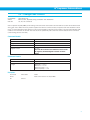
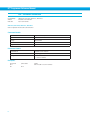
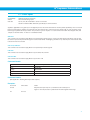
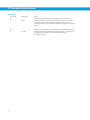
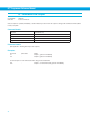
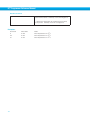
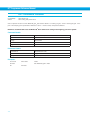
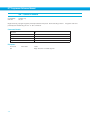
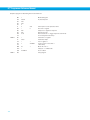
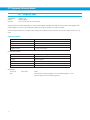
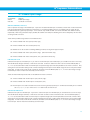
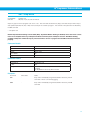
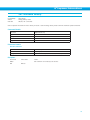
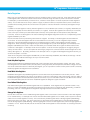
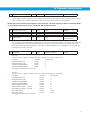
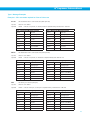
Examples:
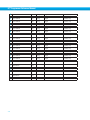
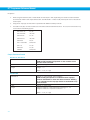
Command
Drive sends
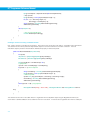
PC3.2
-
PC
PC=3.2
Notes
Set power-up continuous current to 3.2 amps RMS for servo drive or 3.2
amps running current for stepper drive
139