1
zz
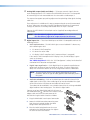
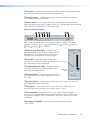
Issue RESET Command — Selecting this option allows the user to reset all the
device settings, except the COM settings, to the factory default values. This option is
available only when in Live mode.
zz
Save Changes to Device — Selecting this option allows any configuration changes
made to be saved directly to the device. This option is only available in Live mode.
zz
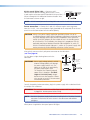
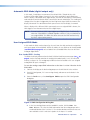
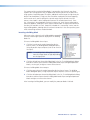
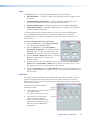
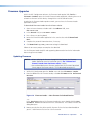
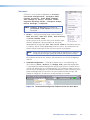
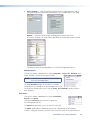
Firmware Loader — Selecting this option opens the Extron Firmware Loader
application. If the device is in Live mode the Firmware Loader opens with the device
and connection details completed.
NOTE: This widow only appears if the Firmware Loader application is already
installed. See "Firmware Upgrades" section for details on the
installation method.
The user searches for the correct S19 firmware file and proceeds with the upload as
described in the Firmware Loader Help File.
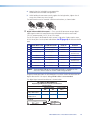
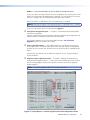
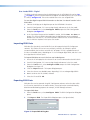
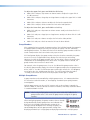
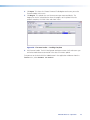
If the device is in Emulate mode the Firmware Loader opens without the device and
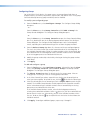
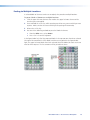
connection details completed. A second dialog box opens (Add Device...), and the
user can select the model and connection type from the two drop-down lists.
The firmware file can also be selected using the browser field. When all fields are
complete, click the Add button to add them to the Firmware Loader window. The
user then completes the upload as described in the Firmware Loader Help File.
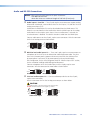
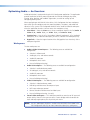
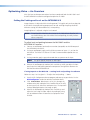
NOTE: If the MLS 608 D device is not listed,
the list can be updated by clicking
on Option > Get Updated
Device List option in the
Firmware Loader window.
When the firmware is updated, manually close the firmware loader. DSP Configurator
re-opens in Emulate mode. Reconnect to the MLS 608 D unit for Live mode.
MLS 608 D Series • DSP Configurator
54