1
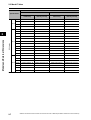
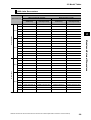
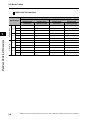
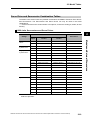
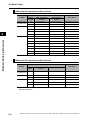
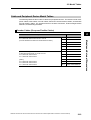
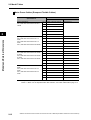
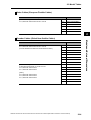
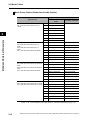
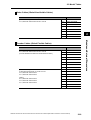
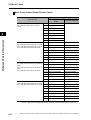
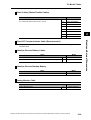
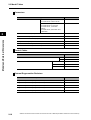
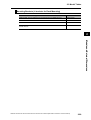
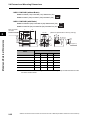
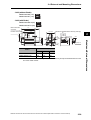
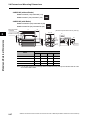
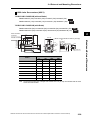
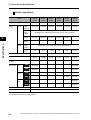
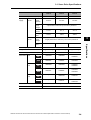
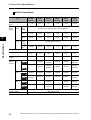
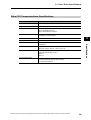
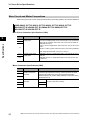
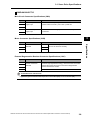
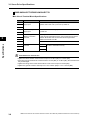
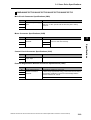
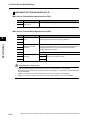
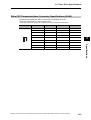
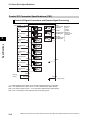
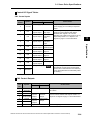
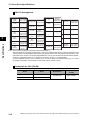
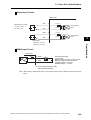
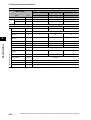
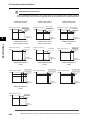
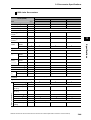
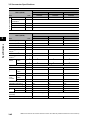
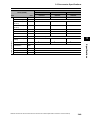
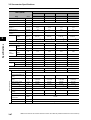
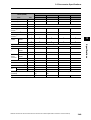
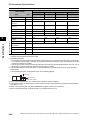
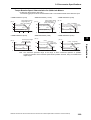
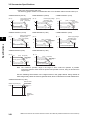
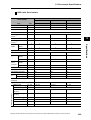
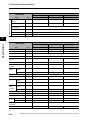
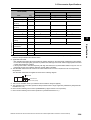
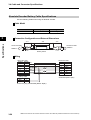
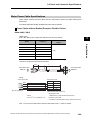
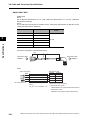
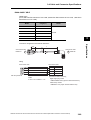
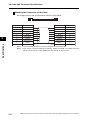
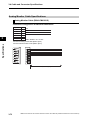
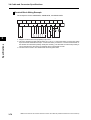
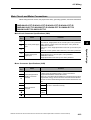
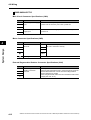
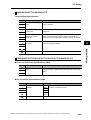
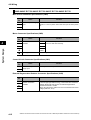
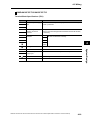
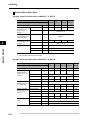
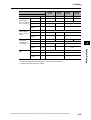
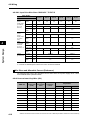
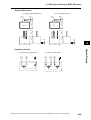
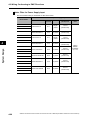
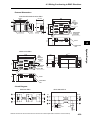
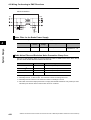
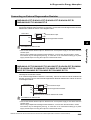
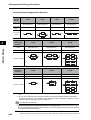
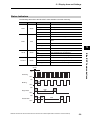
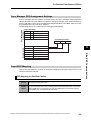
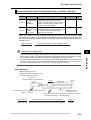
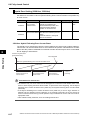
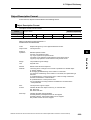
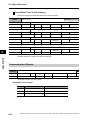
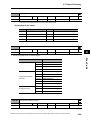
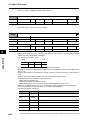
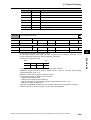
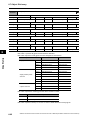
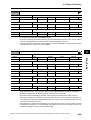
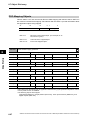
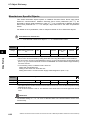
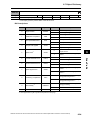
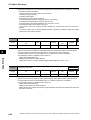
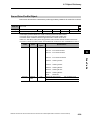
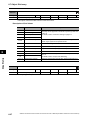
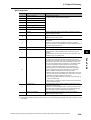
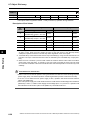
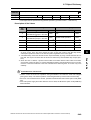
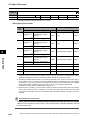
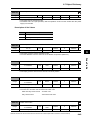
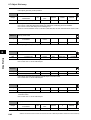
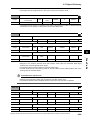
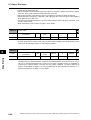
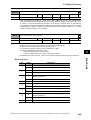
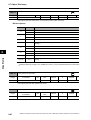
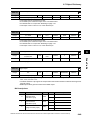
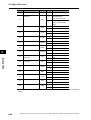
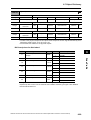
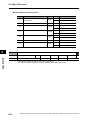
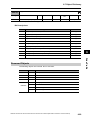
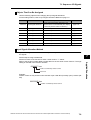
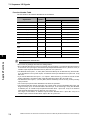
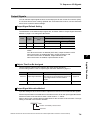
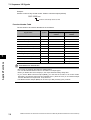
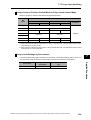
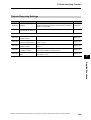
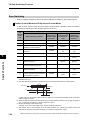
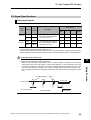
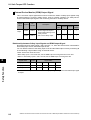
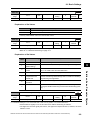
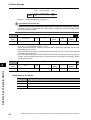
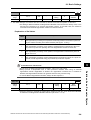
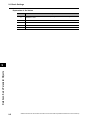
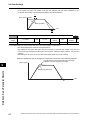
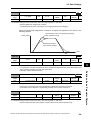
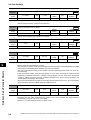
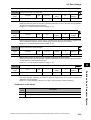
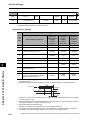
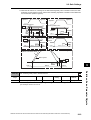
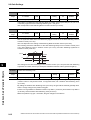
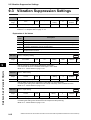
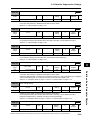
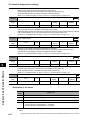
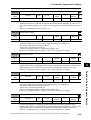
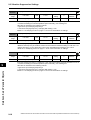
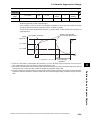
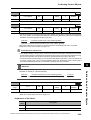
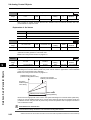
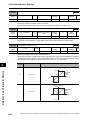
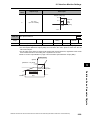
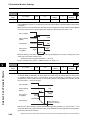
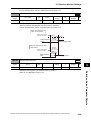
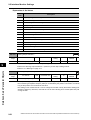
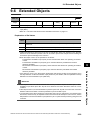
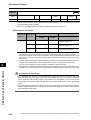
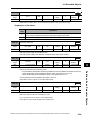
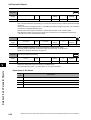
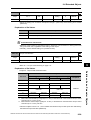
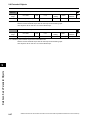
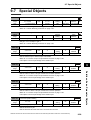
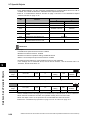
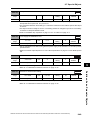
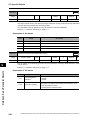
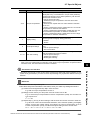
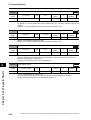
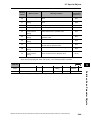
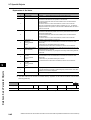
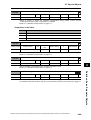
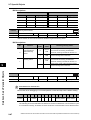
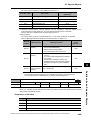
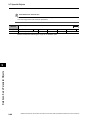
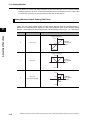
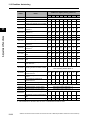
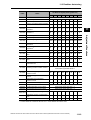
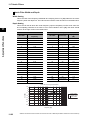
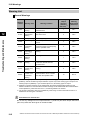
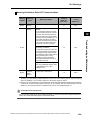
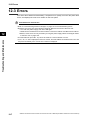
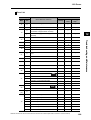
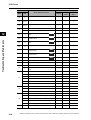
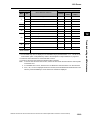
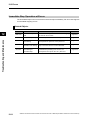
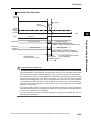
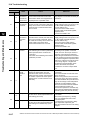
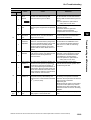
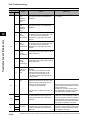
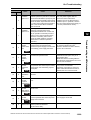
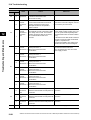
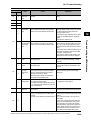
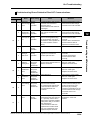
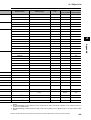
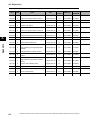
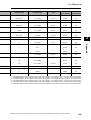
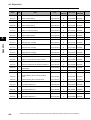
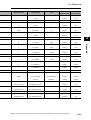
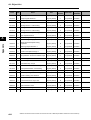
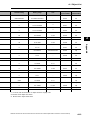
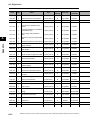
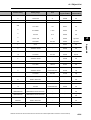
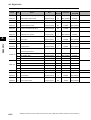
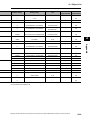
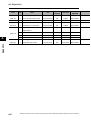
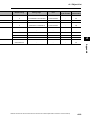
9-7 Special Objects Bit Descriptions Latch 1 Latch 2 Bit 0 Bit 1 Trigger signal 1 Bit 8 Bit 9 Trigger signal 2 0 0 EXT1 0 0 EXT1 1 0 EXT2 1 0 EXT2 0 1 EXT3 0 1 EXT3 1 1 Phase-Z signal 1 1 Phase-Z signal Warning Hold Selection 3759 hex Setting range 0000 to FFFF hex Size All Unit 2 bytes (U16) − Default setting 0000 hex Access RW PDO map Data Attribute B Not possible. Select whether to hold communications-related and general warning status. Bit Descriptions Bit Function Set value Warning status Resetting warning status 0 Do not hold The warnings are automatically cleared when the cause of the warning is eliminated. However, warnings are held for at least 1 s. 1 Hold 0 Do not hold 1 Hold Holding Communicationsrelated Warning Status 0 Holding General Warning Status 1 Details on Servo Parameter Objects 9 Remove the cause of the warning and then send a warning reset command. The warnings are automatically cleared when the cause of the warning is eliminated. However, warnings are held for at least 1 s. Remove the cause of the warning and then send a warning reset command. Communications Control 3800 hex Setting range −32768 to 32767 Size All Unit 2 bytes (INT16) − Default setting 0 Data Attribute Access RW PDO map C Not possible. Controls errors and warnings over EtherCAT communications. Precautions for Correct Use This function is for debugging. For normal operation, leave this object at the default setting. Bit Function 15 14 13 12 Error masks 11 10 9 8 7 6 5 4 Warning masks 3 2 1 0 Error masks Error Settings The following errors are detected if the data to be received in EtherCAT communications cycle is not received correctly, and there are more continuous communications errors that the value 9-47 OMNUC G5-series AC Servomotors and Servo Drives User’s Manual (with Built-in EtherCAT Communications)