1
VX6060 AMI BIOS User Manual
Chapter 7 -
Boot Menu
Boot Menu
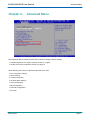
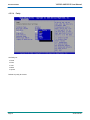
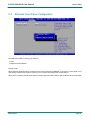
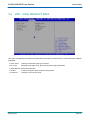
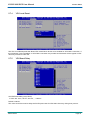
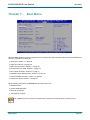
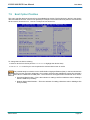
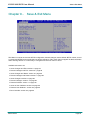
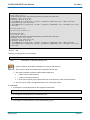
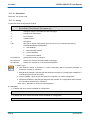
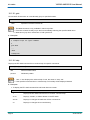
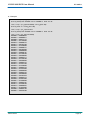
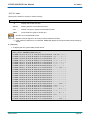
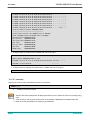
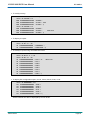
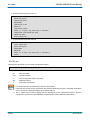
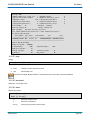
The Boot Menu allows the user to configure the boot mode and to select the boot sequence of the available boot
devices. Possible Boot setting are:
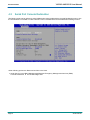
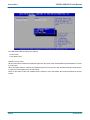
4 Quiet boot: Section 7.1 page 46
4 UEFI boot: Section 7.2 page 46
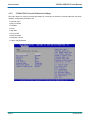
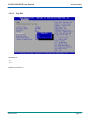
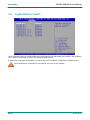
4 Setup prompt timeout: Section 7.3 page 46
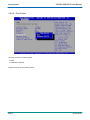
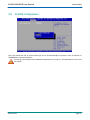
4 Bootup NumLock State: Section 7.4 page 46
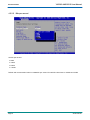
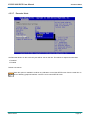
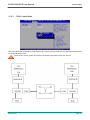
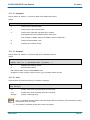
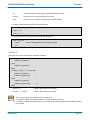
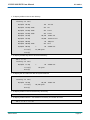
4 Boot Option Priorities: Section 7.5 page 47
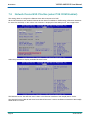
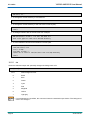
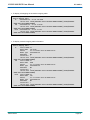
4 Network Device BBS Priorities: Section 7.6 page 48
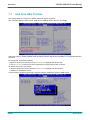
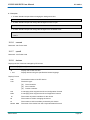
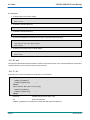
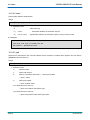
4 Hard Drive BBS Priorities: Section 7.7 page 50
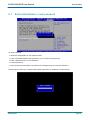
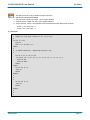
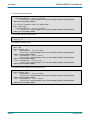
4 Delete Boot Option: Section 7.8 page 51
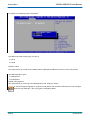
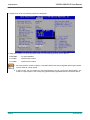
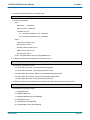
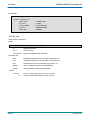
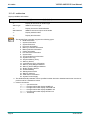
Other following submenus are RESERVED and Not to be used !
4 GateA20 Active
4 Option ROM Messages
4 Interrupt 19 Capture
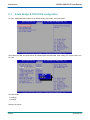
4 Add New Boot Option
The VX6060 boot time is about 5 seconds after a reset and 8 seconds after a power on boot.
SD.DT.F69-4e
Page 45