1
VX6060 AMI BIOS User Manual
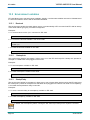
8.1
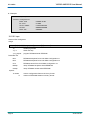
Security Menu
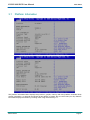
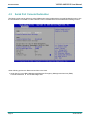
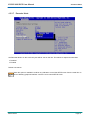
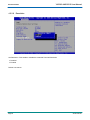
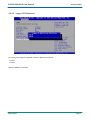
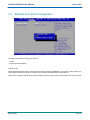
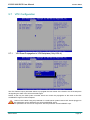
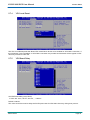
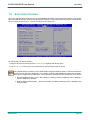
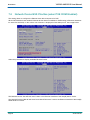
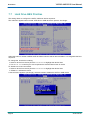
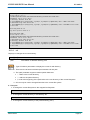
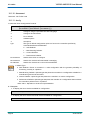
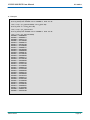
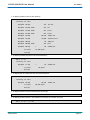
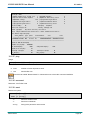
Enter Administrator or user password
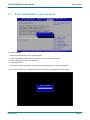
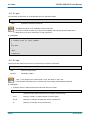
To enter password:
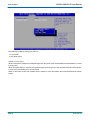
4 Select the administrator or user password item
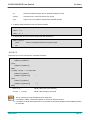
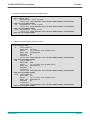
4 A pop-up window appears and proposes to you to create a new password
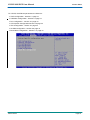
4 Enter a password from 1 to 20 characters
4 Confirm password
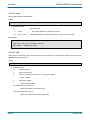
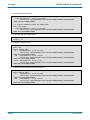
4 Then the new password will be recorded if save change is launch in Save & Exit Menu.
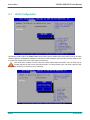
At next reboot if <F2> key is pressed then entering password is mandatory to enter SETUP
SD.DT.F69-4e
Page 53