1
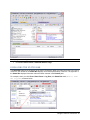
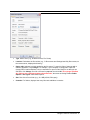
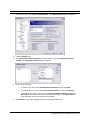
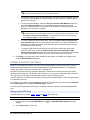
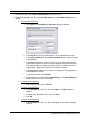
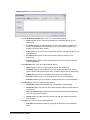
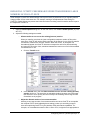
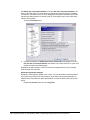
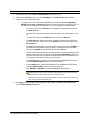
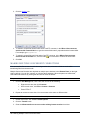
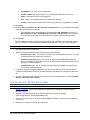
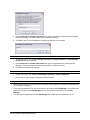
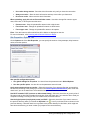
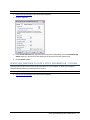
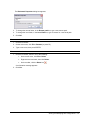
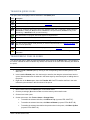
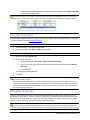
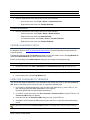
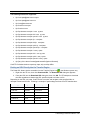
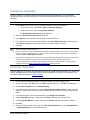
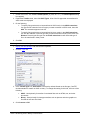
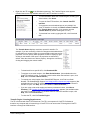
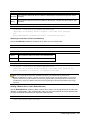
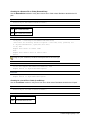
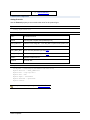
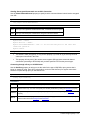
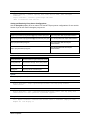
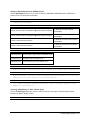
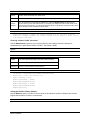
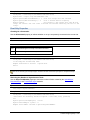
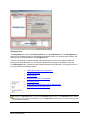
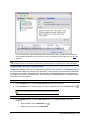
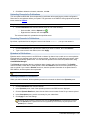
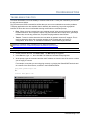
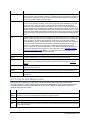
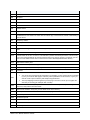
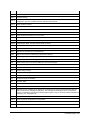
2. Expand the Transfer node, then click Events. The Events options appear.
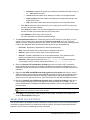
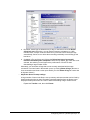
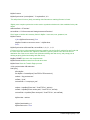
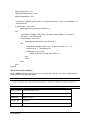
3. Select the Execute the following command on the downloaded file check box to execute the
command value on the specified executable file displayed in the edit box below the check box.
Browse for the file to define the path of an executable, batch file, and so on. You can enter your
own command line parameters by typing them in the edit box; the system appends the full path of
the downloaded file to that string.
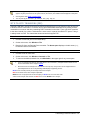
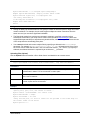
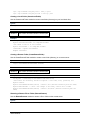
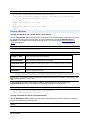
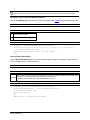
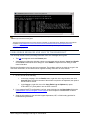
For example, if the Execute the following command value is "c:\windows\system32\csript.exe"
"c:\documents and settings\ghoffer\mydocuments\check.vbs", then with this value turned on, if
you download a file "foo.dat" to "d:\temp\", the command is executed in the following way:
"c:\windows\system32\cscript.exe" "c:\documents and
settings\ghoffer\mydocuments\check.vbs" "d:\temp\foo.dat"
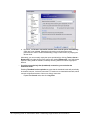
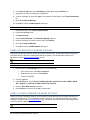
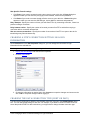
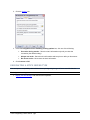
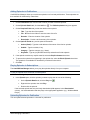
4. Click Apply if you are going to make changes to other pages; click OK to save changes and
close the Global Options dialog box.
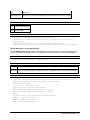
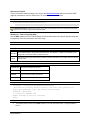
MANUALLY ENTERING FTP COMMANDS
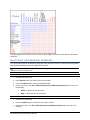
You can communicate with an FTP site on the lowest possible level.
To manually enter an FTP command
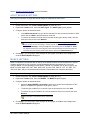
1. Connect to a site.
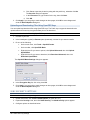
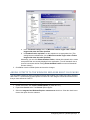
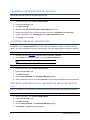
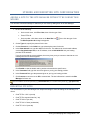
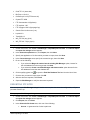
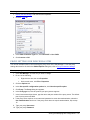
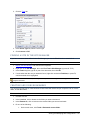
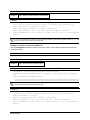
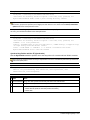
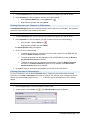
2. On the main menu, click Tools > Enter FTP Command.
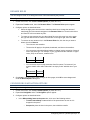
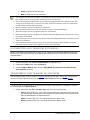
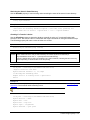
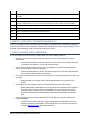
3. In the Input FTP command box, type a command such as LIST or CWD or PWD.
4. Click OK.
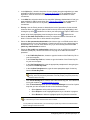
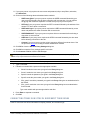
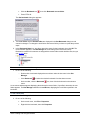
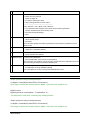
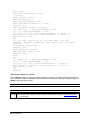
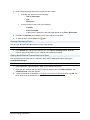
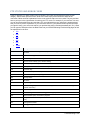
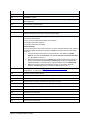
You can also input multiple commands to the FTP server by using the Custom Commands feature.
Transferring Files and Folders ● 143