1
2
Context-sensitive Menu
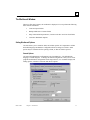
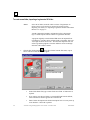
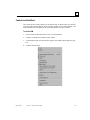
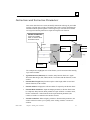
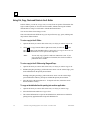
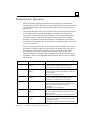
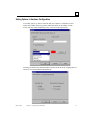
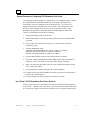
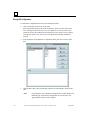
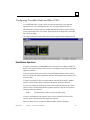
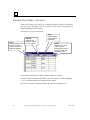
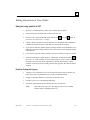
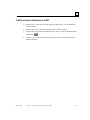
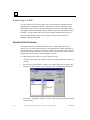
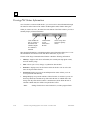
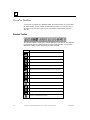
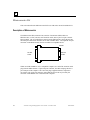
The context-sensitive menu (CSM) is not on the menu bar. It appears when you click the
secondary (right) mouse button in certain VersaPro windows or on certain elements. The
menu contains a list of frequently-used options appropriate to the given context.
To use the CSM
GFK-1670D
1.
Select a folder element (the folder or one of its sub-elements).
2.
Click the secondary mouse button on the element.
3.
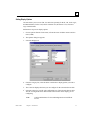
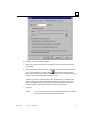
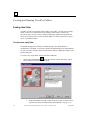
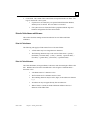
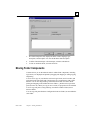
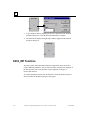
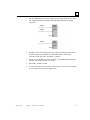
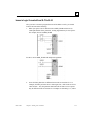
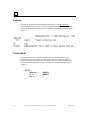
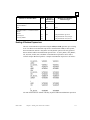
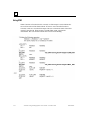
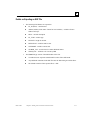
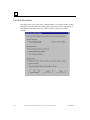
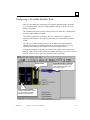
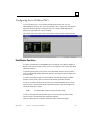
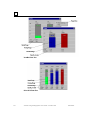
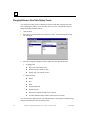
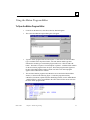
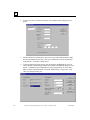
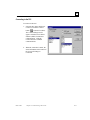
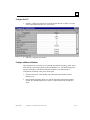
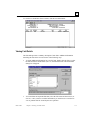
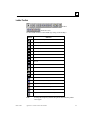
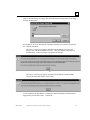
A CSM similar to the one shown below appears. Unavailable options appear in gray
text.
4.
Click the desired option.
Chapter 2 Working With Folders
2-15