1
Mayavi User Guide, Release 3.3.1
Notes
This function traverses the Mayavi pipeline. Thus the input object ‘mayavi_object’ should already be added to
the pipeline.
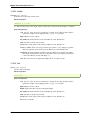
set_extent
set_extent(module, extents)
Attempts to set the physical extents of the given module.
The extents are given as (xmin, xmax, ymin, ymax, zmin, zmax). This does not work on an image plane widget,
as this module does not have an actor.
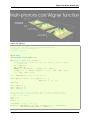
Once you use this function on a module, be aware that other modules applied on the same data source will not
share the same scale. Thus for instance an outline module will not respect the outline of the actors whose extent
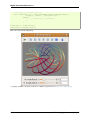
you modified. You should pass in the same “extents” parameter for this to work.You can have a look at the
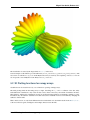
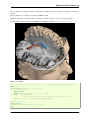
wigner.py example for a heavy use of this functionnality.
Note
This function does not work on some specific modules, such as Outline, Axes, or ImagePlaneWidget. For
Outline and Axes, use the extent keyword argument of mlab.pipeline.outline and mlab.pipeline.axes.
traverse
traverse(node)
Generator to traverse a tree accessing the nodes’ children attribute.
Example
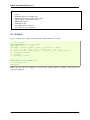
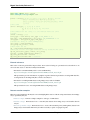
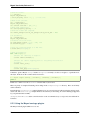
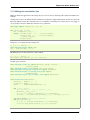
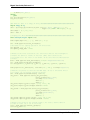
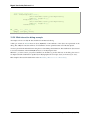
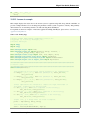
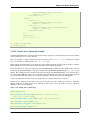
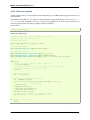
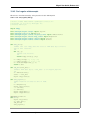
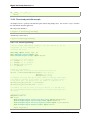
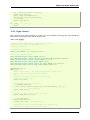
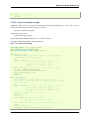
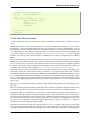
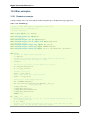
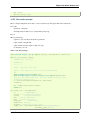
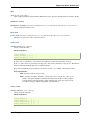
Here is a simple example printing the names of all the objects in the pipeline:
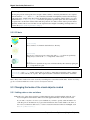
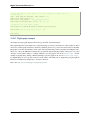
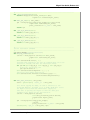
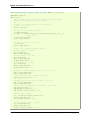
for obj in mlab.pipeline.traverse(mlab.gcf()):
print obj.name
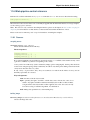
Note: This section is only a reference describing the function, please see the chapter on mlab: Python scripting for
3D plotting for an introduction to mlab and how to interact with and assemble the functions of mlab.
Please see the section on Running mlab scripts for instructions on running the examples.
11.6.3 Data
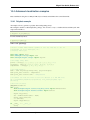
probe_data
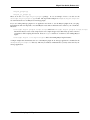
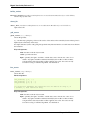
probe_data(mayavi_object, x, y, z, type=’scalars’, location=’points’)
Retrieve the data from a described by Mayavi visualization object at points x, y, z.
Parameters
Viz_obj A Mayavi visualization object, or a VTK dataset The object describing the data you are
interested in.
X float or ndarray. The x position where you want to retrieve the data.
Y float or ndarray. The y position where you want to retrieve the data.
Z float or ndarray The z position where you want to retrieve the data.
Type ‘scalars’, ‘vectors’ or ‘tensors’, optional The type of the data to retrieve.
11.6. Mlab pipeline-control reference
257