1
Mayavi User Guide, Release 3.3.1
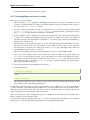
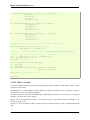
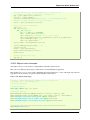
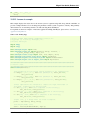
10.3.5 Multiple engines example
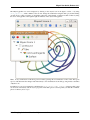
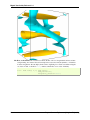
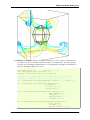
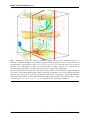
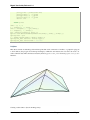
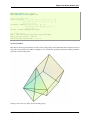
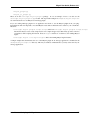
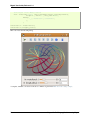
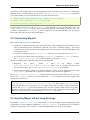
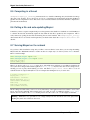
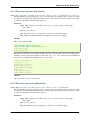
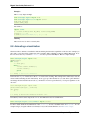
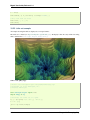
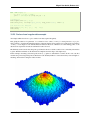
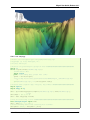
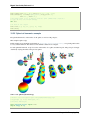
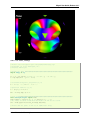
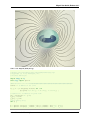
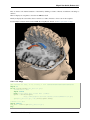
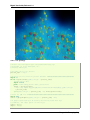
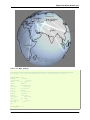
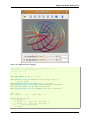
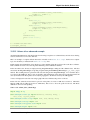
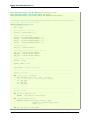
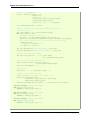
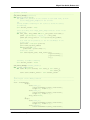
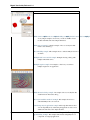
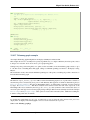
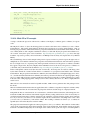
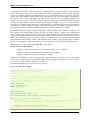
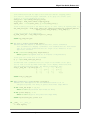
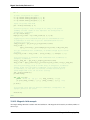
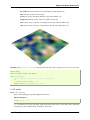
An example to show how you can have multiple engines in one application.
Mutliple engines can be useful for more separation, eg to script each engine separately, or to avoid side effects between
scenes.
This example shows how to explicitely set the engine for an embedded scene.
To define default arguments, it makes use of the Traits initialization style, rather than overridding the __init__.
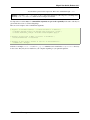
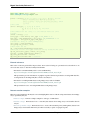
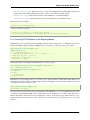
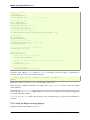
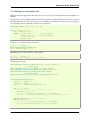
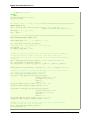
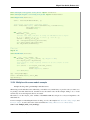
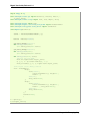
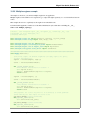
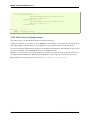
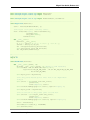
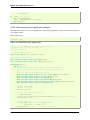
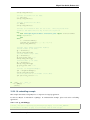
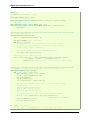
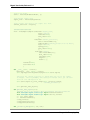
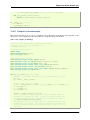
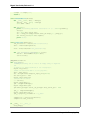
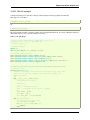
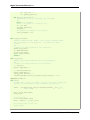
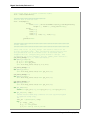
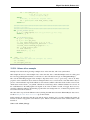
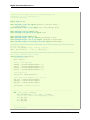
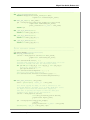
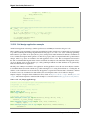
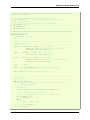
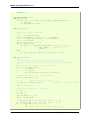
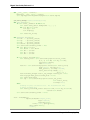
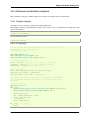
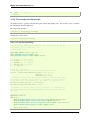
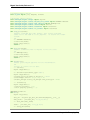
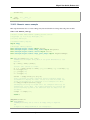
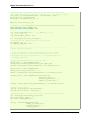
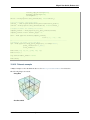
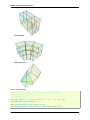
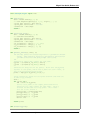
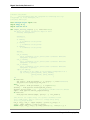
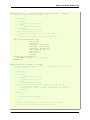
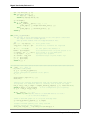
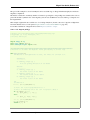
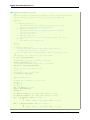
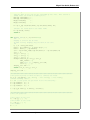
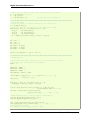
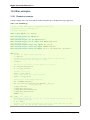
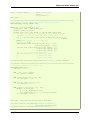
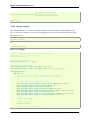
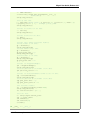
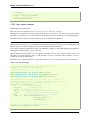
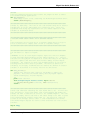
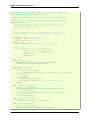
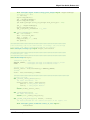
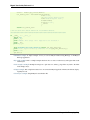
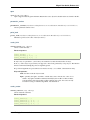
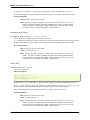
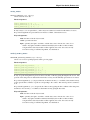
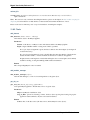
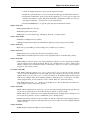
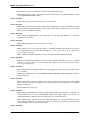
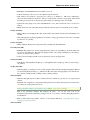
Source code: multiple_engines.py
# Author: Gael Varoquaux <gael _dot_ varoquaux _at_ normalesup _dot_ org>
# Copyright (c) 2009, Enthought, Inc.
# License: BSD Style.
from enthought.traits.api import HasTraits, Instance, on_trait_change
from enthought.traits.ui.api import View, Group, Item
from
from
from
from
enthought.mayavi.core.api import Engine
enthought.mayavi.tools.mlab_scene_model import MlabSceneModel
enthought.mayavi.core.ui.mayavi_scene import MayaviScene
enthought.tvtk.pyface.scene_editor import SceneEditor
################################################################################
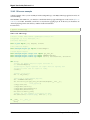
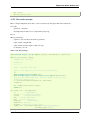
class MyApp(HasTraits):
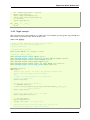
# The first engine. As default arguments (an empty tuple) are given,
# traits initializes it.
engine1 = Instance(Engine, args=())
scene1 = Instance(MlabSceneModel)
def _scene1_default(self):
" The default initializer for ’scene1’ "
self.engine1.start()
scene1 = MlabSceneModel(engine=self.engine1)
return scene1
engine2 = Instance(Engine, ())
scene2 = Instance(MlabSceneModel)
def _scene2_default(self):
" The default initializer for ’scene2’ "
self.engine2.start()
scene2 = MlabSceneModel(engine=self.engine2)
return scene2
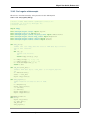
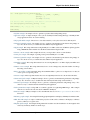
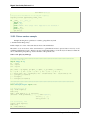
# We populate the scenes only when it is activated, to avoid problems
# with VTK objects that expect an active scene
@on_trait_change(’scene1.activated’)
def populate_scene1(self):
self.scene1.mlab.test_surf()
@on_trait_change(’scene2.activated’)
def populate_scene2(self):
self.scene2.mlab.test_mesh()
10.3. Interactive examples
139