1
▼ Install an InfiniBand Cable
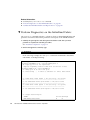
1. Identify the prerequisite and subsequent service tasks you must perform in
conjunction with this procedure.
See “Servicing InfiniBand Cables” on page 132.
2. Determine your next steps:
■
If you are cabling an entire switch after a replacement procedure, locate the
cable for connector 17B and go to Step 5.
■
If you are installing a replacement cable to the switch, start the procedure at
Step 3.
3. Inspect the replacement InfiniBand cable.
See “Inspecting the InfiniBand Cables” on page 132.
4. Bring the replacement cable to the switch.
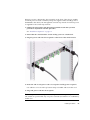
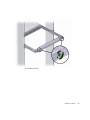
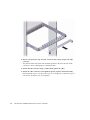
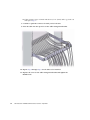
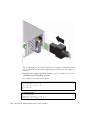
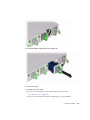
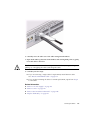
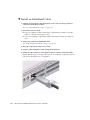
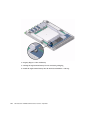
5. Feed the cable through the cable management hardware.
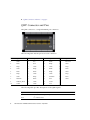
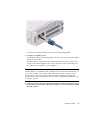
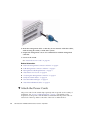
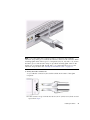
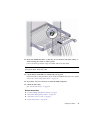
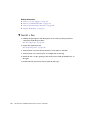
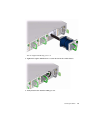
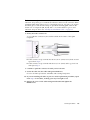
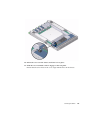
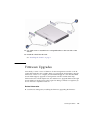
6. Orient the cable connector to the QSFP receptacle squarely and horizontally.
Ensure that the L groove is up for the top row of receptacles, or that the L groove
is down for the bottom row of receptacles.
138
Sun Datacenter InfiniBand Switch 36 User’s Guide • April 2011