1
5 Customization
Customizing Banner
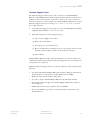
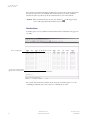
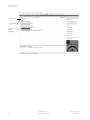
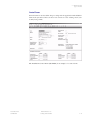
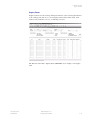
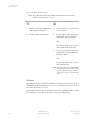
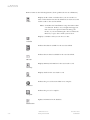
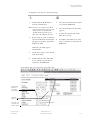
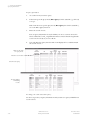
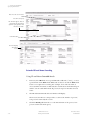
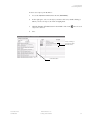
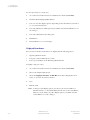
To delete all objects from My Banner:
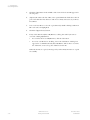
1.
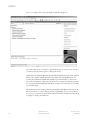
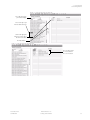
Access the My Banner Maintenance Form (GUAPMNU).
2.
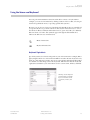
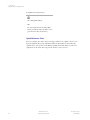
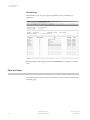
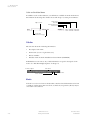
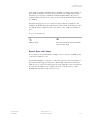
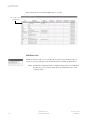
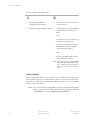
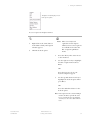
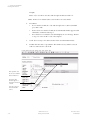
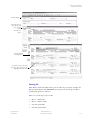
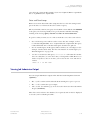
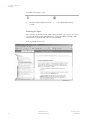
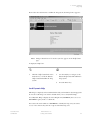
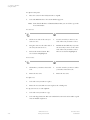
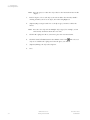
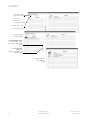
Click the Remove All button in the middle of the form
3.
Save.
.
Click this button to
delete all menu items.
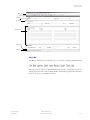
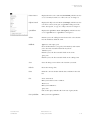
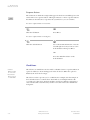
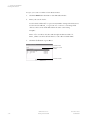
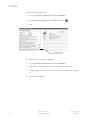
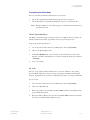
To change the location of an object in My Banner:
5-8
1.
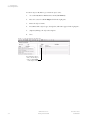
Access the My Banner Maintenance Form (GUAPMNU).
2.
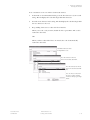
Delete the object from the menu (see the instructions on page 5-7).
3.
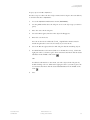
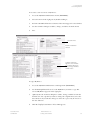
Add the object to the menu in its new location (see the instructions on page 54).
4.
Select the Save function.
Banner Release 7.4
Getting Started Guide
November 2006
Confidential