1
CONFIGURATION
®
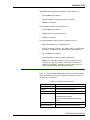
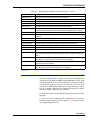
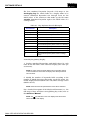
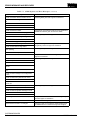
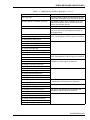
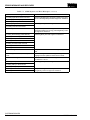
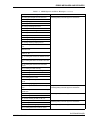
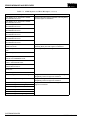
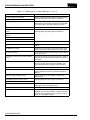
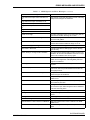
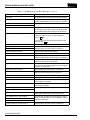
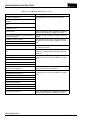
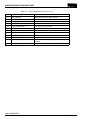
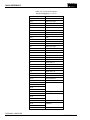
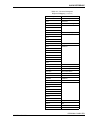
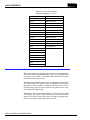
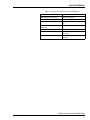
•
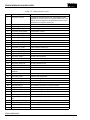
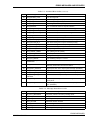
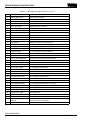
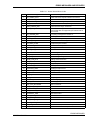
If user definition is required.
•
If the field is updated by the INFI 90 OPEN system.
•
The required format or restrictions of the field.
•
A description of the database field and further explanation
of the format (if required).
After the tag database fields have been configured, the record
can be updated or created. Additionally, existing tags can be
deleted using the tag configuration screen. All open data management server screens can be accessed without a password
for viewing only. An engineers level password is required to create, update, or delete tag database records.
EXAMPLE CONFIGURATION
The following steps provide an example configuration that
shows how to create and configure a station tag record for the
open data management server database. This example uses a
station tag which is a complex tag to configure. All other tags
are configured using the same steps, but may require less configuration information and steps. Whenever configuring a particular open data management server database tag type, refer
to the Function Code Applications Manual for information
that relates to its use or application within an INFI 90 OPEN
control system. Refer to Appendix E for information on how the
tag needs to be configured within the open data management
server.
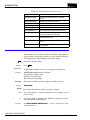
To configure an open data management server station tag
record:
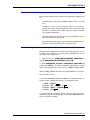
1. From the main menu, highlight Configuration and click
with the mouse or press Enter , or press F4 to access the configuration menu.
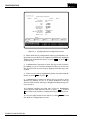
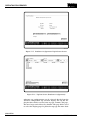
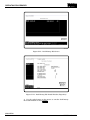
2. Highlight Database and click with the mouse or press
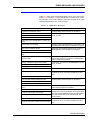
Enter , or press F1 to access the database configuration tag
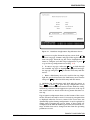
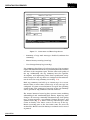
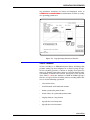
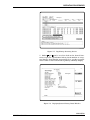
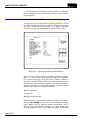
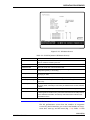
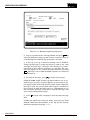
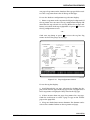
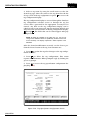
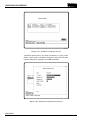
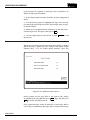
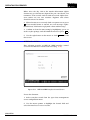
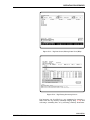
selection screen (Fig. 4-1).
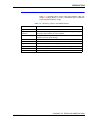
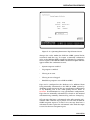
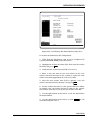
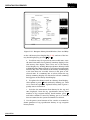
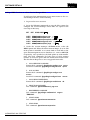
3. There are three entry fields on the database tag configuration selection screen, Tag Name, Tag Type, History Area.
a. Enter the desired tag name for the tag being created by
highlighting the gray field next to Tag Name and type in the
name. A Tag does not exist in the database message
appears below the tag name if this tag name does not
belong to any tag already existing in the database.
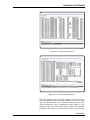
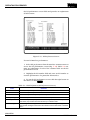
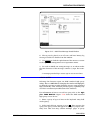
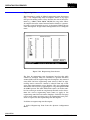
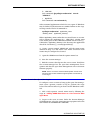
If an existing tag name is not known, highlight View Tag
Listings and click with the mouse or press Enter , or press
EXAMPLE CONFIGURATION
4-2
WBPEEUI350003B0