1
Report Designer
268
Understand Styles Concepts
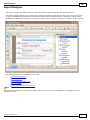
This document describes how you can provide a professional look to your reports, by effectively adjusting the
appearance of its elements.
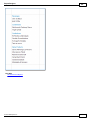
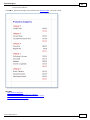
This document consists of the following sections.
The Appearance Properties
Styles Priority and Inheritance
The Appearance Properties
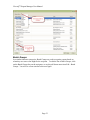
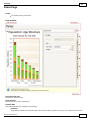
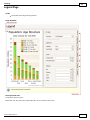
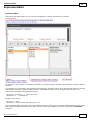
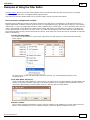
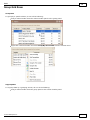
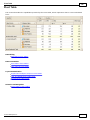
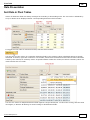
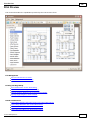
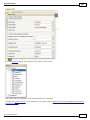
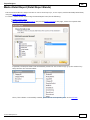
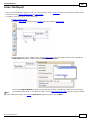
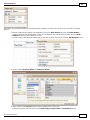
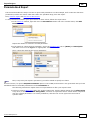
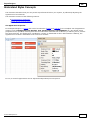
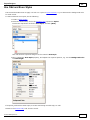
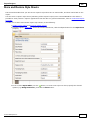
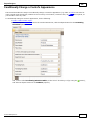
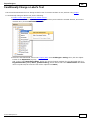
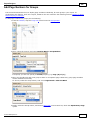
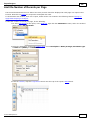
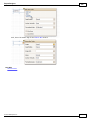
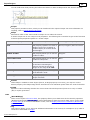
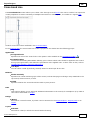
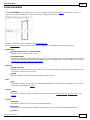
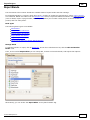
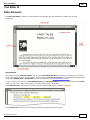
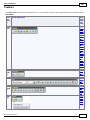
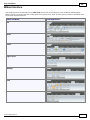
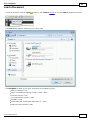
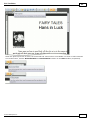
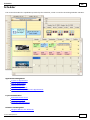
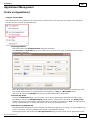
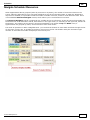
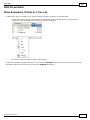
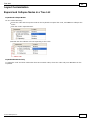
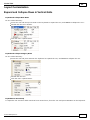
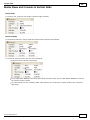
In the Report Designer, a report and each of its elements (bands and controls) has a complete set of appearance
options (such as Background Color, Borders, Font, Foreground Color, Text Alignment, etc.). By default, these
properties aren't specified, meaning that their real values are obtained from a control's (or band's) paren t, which is
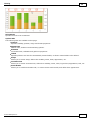
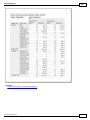
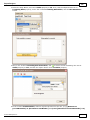
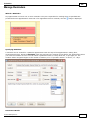
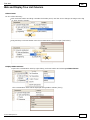
the report itself. So, the appearance, specified for a report, is distributed to all its child elements. Similarly, the
appearance of a band is translated to the controls it contains.
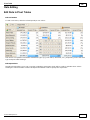
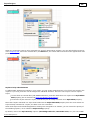
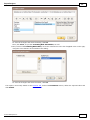
In turn, a control's appearance can be adjusted independently from its parent.
© 2011 DevExpress Inc.
268