1
Report Designer
269
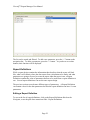
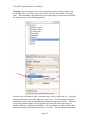
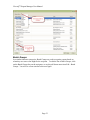
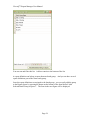
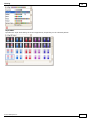
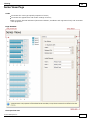
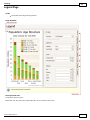
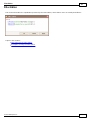
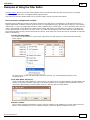
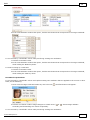
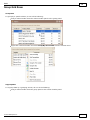
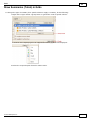
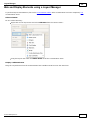
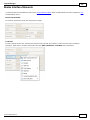
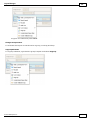
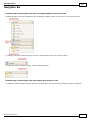
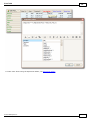
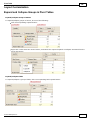
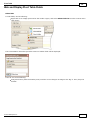
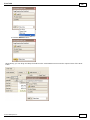
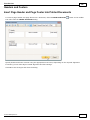
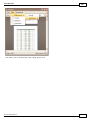
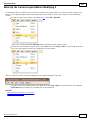
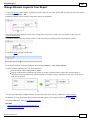
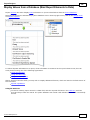
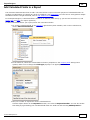
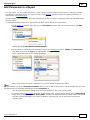
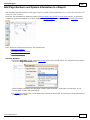
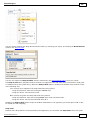
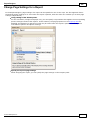
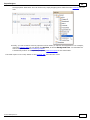
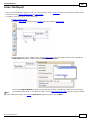
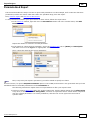
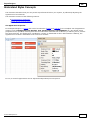
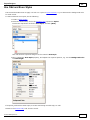
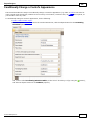
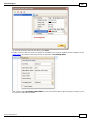
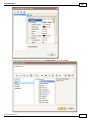
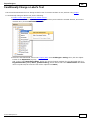
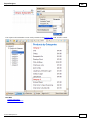
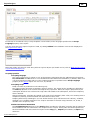
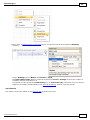
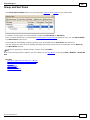
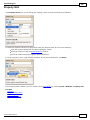
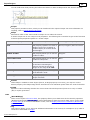
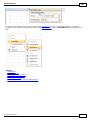
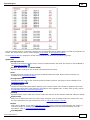
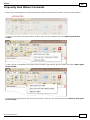
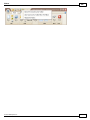
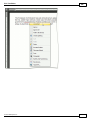
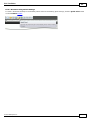
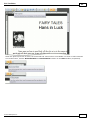
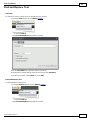
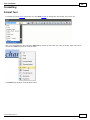
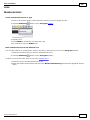
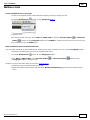
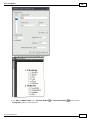
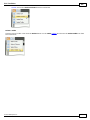
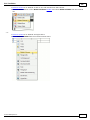
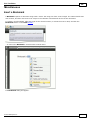
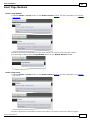
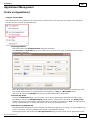
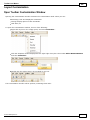
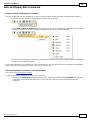
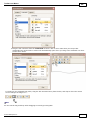
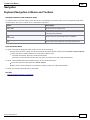
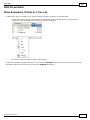
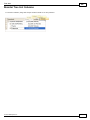
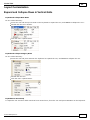
When it is required to reset a value assigned to a control's appearance property, you can right-click this property
in the Property Grid, and in the invoked menu, click Reset. So, the control will be restored to the appearance of its
parent.
Styles Priority and Inheritance
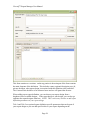
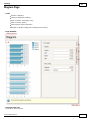
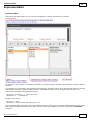
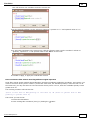
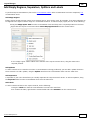
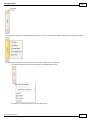
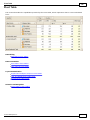
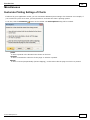
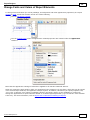
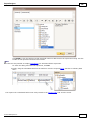
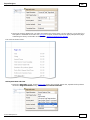
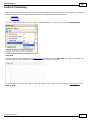
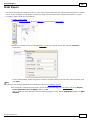
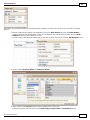
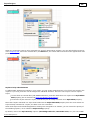
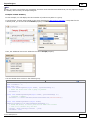
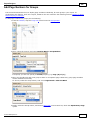
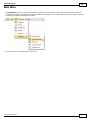
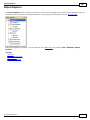
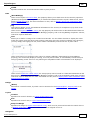
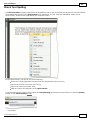
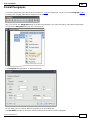
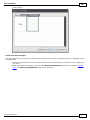
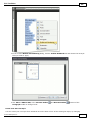
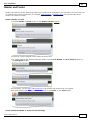
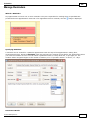
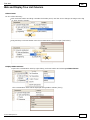
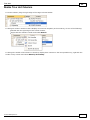
To differentiate appearance settings in your report, you can create comprehensive s tyles (which are stored in the
report's s tyle s h eet), and then can be assigned to individual elements. There are two ways to store a report's
styles.
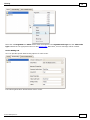
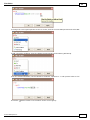
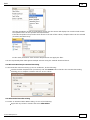
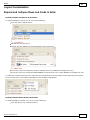
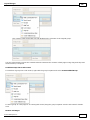
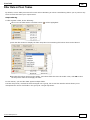
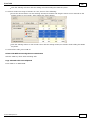
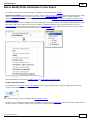
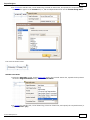
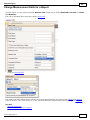
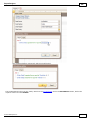
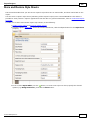
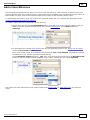
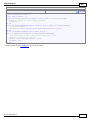
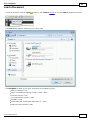
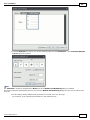
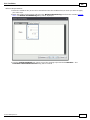
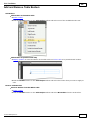
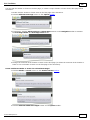
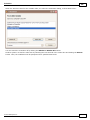
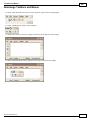
to save them to external files (with REPSS extension), and then load them to a report via its Style Sheet
Path property (this is described at Store and Restore Style Sheets);
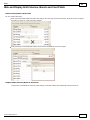
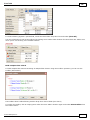
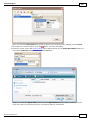
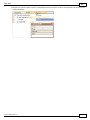
to store the styles within the report, so that they can be easily accessed via its Style Sheet property.
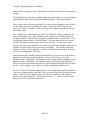
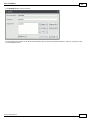
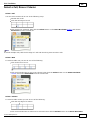
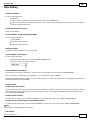
Note that if styles contained in a style sheet loaded via the Style Sheet Path property have the same names as
styles already contained in a report, the latter ones are overridden.
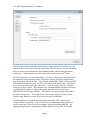
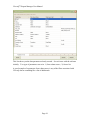
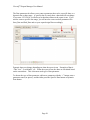
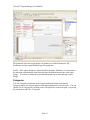
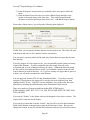
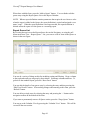
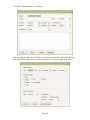
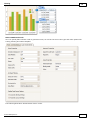
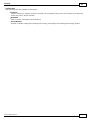
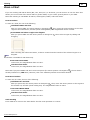
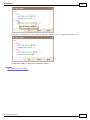
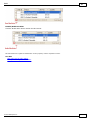
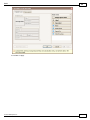
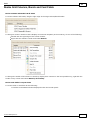
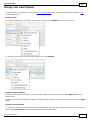
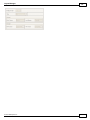
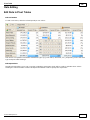
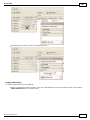
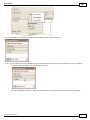
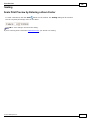
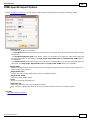
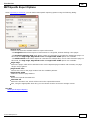
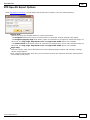
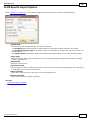
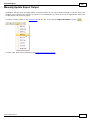
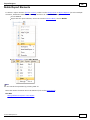
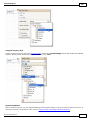
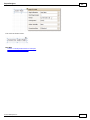
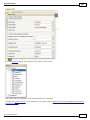
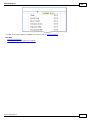
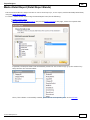
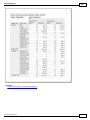
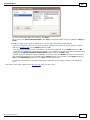
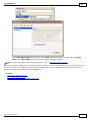
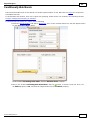
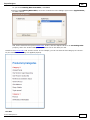
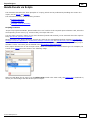
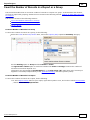
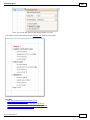
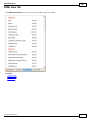
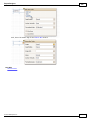
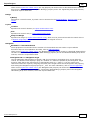
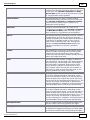
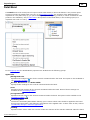
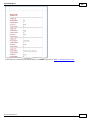
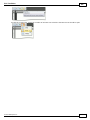
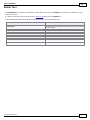
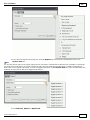
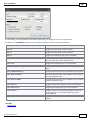
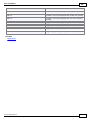
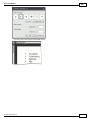
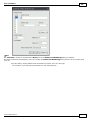
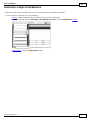
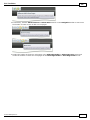
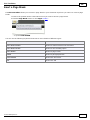
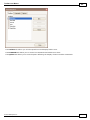
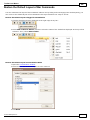
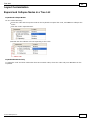
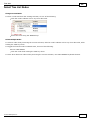
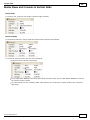
When both styles and individual appearance settings are assigned to an element, you can control the priority of
their differing options, via an element's Style Priority property.
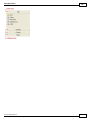
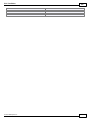
By default, most of the Style Priority's options (Use Background Color, Use Border Color, etc.) are set to Yes.
© 2011 DevExpress Inc.
269