1
Report Designer
313
Report Designer Reference
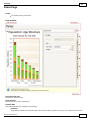
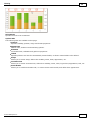
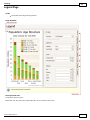
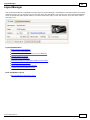
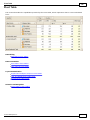
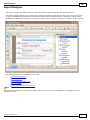
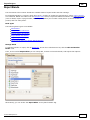
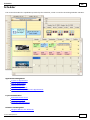
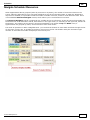
A report is built from controls (text labels, images, zip codes, charts, etc) spread across report sections called
bands (various headers, footers and content sections). The main interface elements helping you manage these
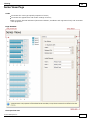
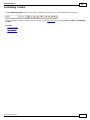
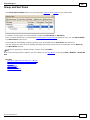
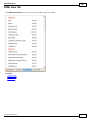
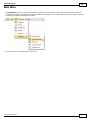
building blocks are Control Toolbox, Field List and Property Grid. These elements allow you add controls to your
report, bind them to data and change their appearance and behavior settings, respectively.
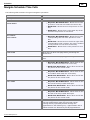
To learn more about these and other elements used in the Report Designer, use the following links.
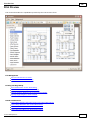
Report Designer UI
The documents in this section are dedicated to the elements of the Report Designer user interface.
Report Controls
The documents in this section describe options of each report control available in the Report Designer.
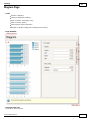
Report Bands
The documents in this section details the available kinds of report bands and their settings.
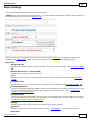
Report Settings
This document details settings that affect the entire report.
© 2011 DevExpress Inc.
313